Diamonds High – Free Stream Package
Diamonds High is a Kojima-inspired free stream package, featuring angular shapes, and a cool red and…
View Downloadsignal.map
Browse free Twitch overlays, alerts, screens, panels, and webcam frames for OBS and Streamlabs. These instant downloads are built for Twitch, YouTube, Kick, and TikTok creators who want a sharper stream layout without starting with a paid package.
Use the grid below to compare free Twitch overlays and related stream graphics, or jump to the exact asset type you need.
free.routes
Start with the type of asset your stream needs most, then open the products that fit your setup, style, and platform.
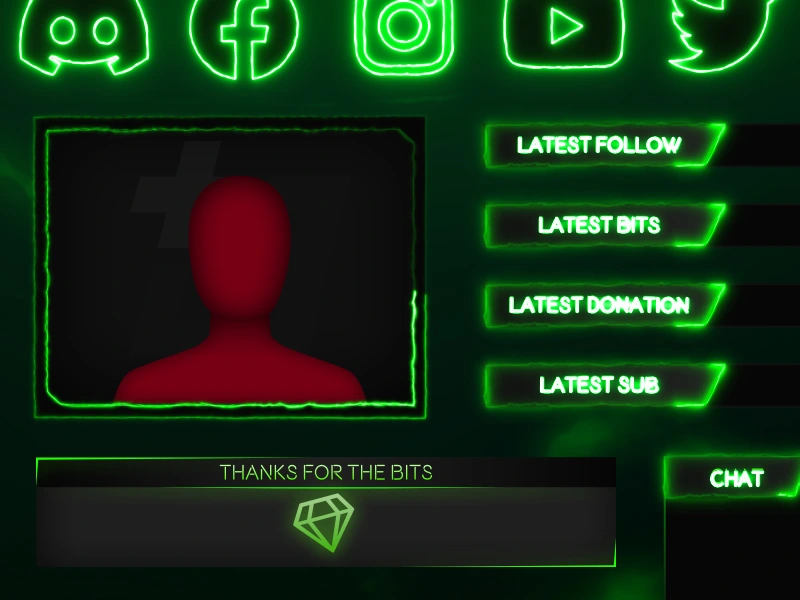
Diamonds High is a Kojima-inspired free stream package, featuring angular shapes, and a cool red and…
View Download
Inspired by Kojima’s finer works, these free red stream alerts feature the Diamonds High diamond front…
View Download
Inspired by Kojima’s finer works, these free red profile graphics feature the Diamonds High diamond shape…
View Download
Inspired by Kojima’s finer works, this free angular stream overlay features a stylised red and grey…
View Download
Watch Tower is a free Overwatch 2 Twitch overlay for your Twitch & YouTube streams. All…
View Download
Dark Zone is a free orange & grey Twitch overlay for use with Streamlabs OBS, OBS…
View Download
If you’d rather keep things a little more simple, then a standalone cam overlay is exactly…
View Download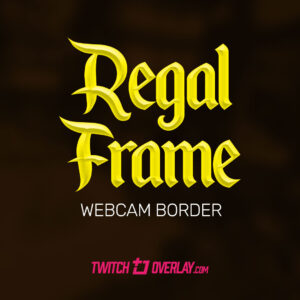
If you’d rather keep things a little more simple, then a standalone cam overlay is exactly…
View Download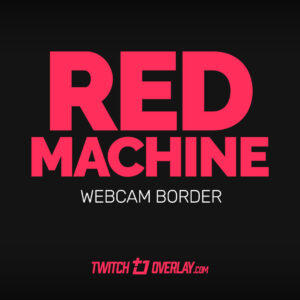
If you’d rather keep things a little more simple, then a standalone cam overlay is exactly…
View Downloadtrust.signal
Twitch Overlay has been creating stream graphics since 2014, giving creators a large free catalogue to explore before moving into premium packages. The goal is simple: practical assets, instant downloads, and no extra apps required just to make your stream look sharper.
That makes this collection useful for first-time streamers, returning creators rebuilding scenes, and anyone testing a new layout direction without locking into a full paid setup too early.
file.output
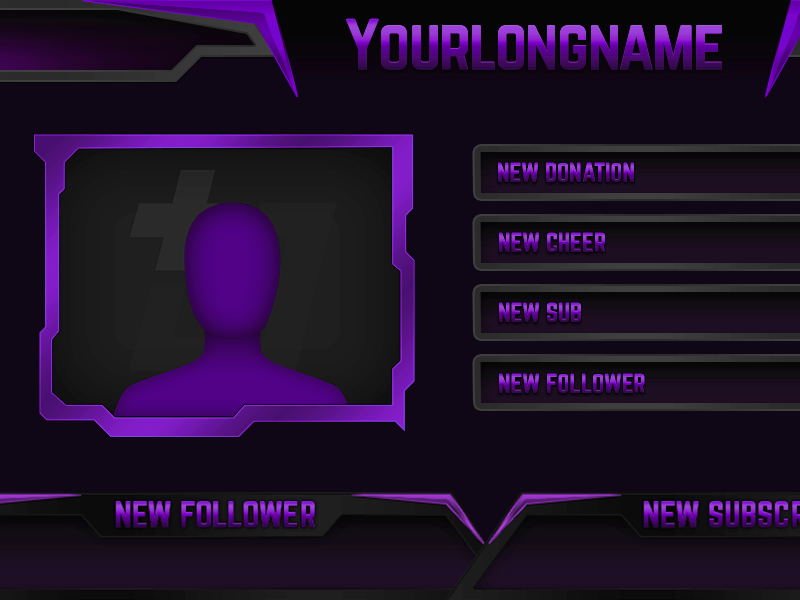
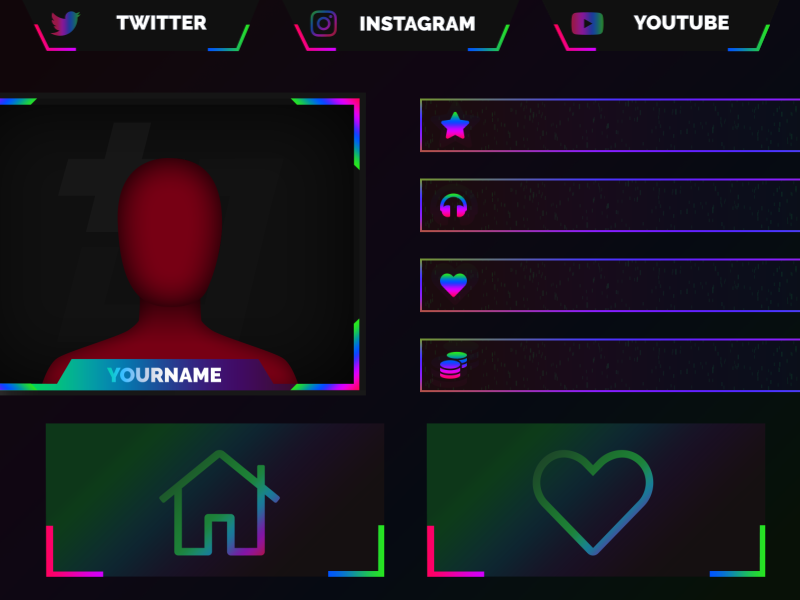
This free archive includes gameplay overlays, webcam borders, stream screens, profile panels, and alert graphics, with occasional mini-packages that give you several coordinated elements at once. Depending on the product, downloads can include PNG, JPG, GIF, or WEBM files for straightforward use in OBS Studio and Streamlabs Desktop.
Use the grid above to compare styles and asset types, then open any product page for file details and setup specifics before you download. When you are ready to connect more scenes and channel elements together, the next step is usually a matching package or premium overlay collection that ties your whole stream together.
Free Twitch overlays help new and returning creators improve how their live stream looks without committing to a full paid package straight away. They are an easy way to test colours, layout styles, webcam framing, and scene balance before deciding whether a premium upgrade is worth it for your channel.
It depends on the product, but free downloads can include overlay graphics, webcam frames, alerts, stream screens, panels, or other files you can use straight away.
Yes. They use standard file formats like PNG, GIF, and WEBM that drop straight into OBS Studio and Streamlabs Desktop scenes.
No. While the collection is aimed at Twitch creators, many of the free graphics also work well for YouTube, Kick, and other platforms you stream to through the same software.
Free overlays are ideal for trying styles and improving a scene quickly, while premium packages usually include more matching assets, more scene coverage, and a fuller visual system for the whole channel.
Most creators extract the download, then add the included image or video files as sources in OBS Studio or Streamlabs Desktop. Each product page has details about what files are included.
Start with the asset your stream is missing most, such as a gameplay overlay, a webcam frame, a starting soon screen, or profile panels for your channel page.
upgrade.path
Use the free downloads to test what your stream actually needs first. When you find a style that works, move into matching premium overlays and packages that tie your whole channel together.