Simple Headings for Twitch Profiles
I noticed a lot of very decorated and fancy-looking section headings on profiles around Twitch, but…
View Downloadsignal.map
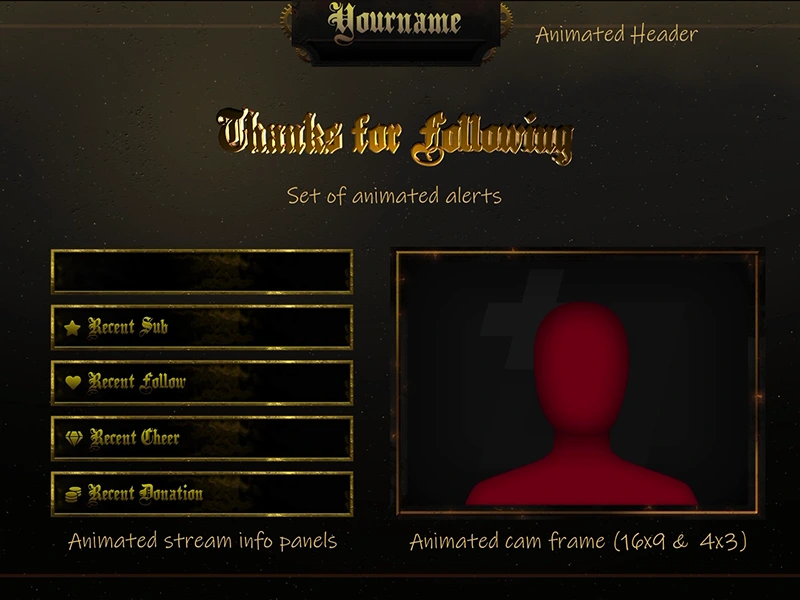
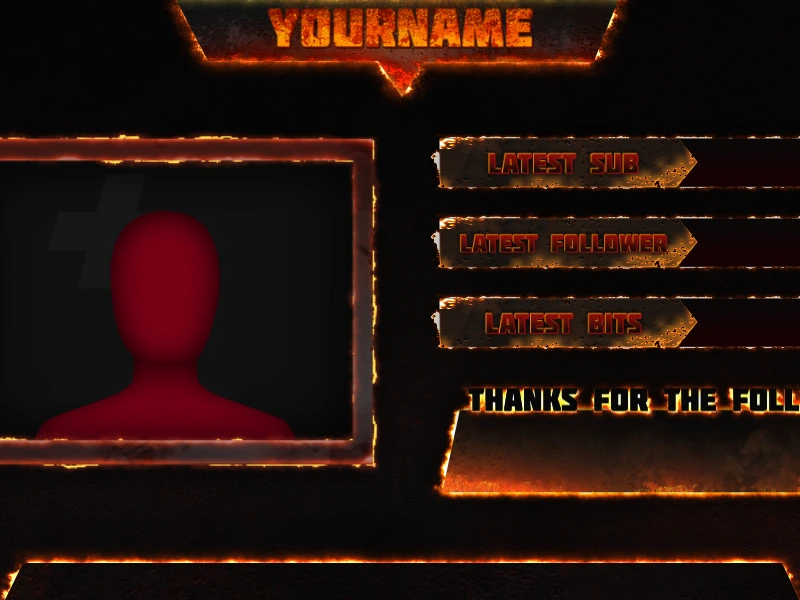
Browse free Twitch overlay downloads for OBS Studio and Streamlabs Desktop, including alerts, screens, panels, webcam frames, and starter packages. These instant downloads are built for Twitch creators first, while still working for YouTube, Kick, and TikTok when you use the same streaming software.
Use the grid below to compare free stream overlays, free OBS overlays, free Streamlabs overlays, and related graphics, or jump to the exact asset type your channel needs most.
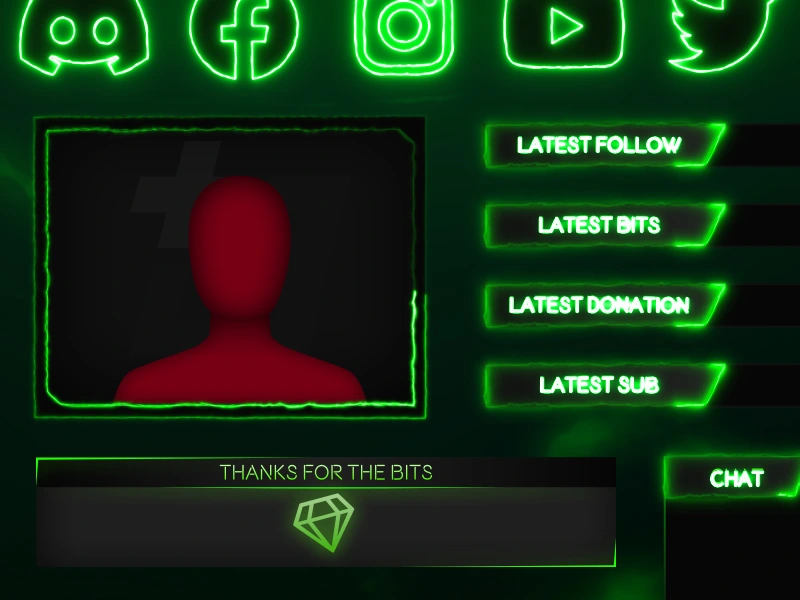
I noticed a lot of very decorated and fancy-looking section headings on profiles around Twitch, but…
View Download
This is a Free Hearthstone Overlay for the ‘Stoners out there (Hearth, not 420). Fairly simple,…
View Download
Time for some survivalism! This Free DayZ stream overlay brings a real rough edge to your…
View Download
Sharp is a free battlefield twitch overlay. It’s got some razor sharp angles (hence the name),…
View Download
Camo is a free Call of Duty Twitch overlay for streamers on Twitch, YouTube, and Facebook…
View Download
As you may or may not know, I recently ran a community poll to see what…
View Download
Bombsite C is a free CS2 overlay for the many, many streamers of Counter-Strike2 out there.…
View Downloadfree.routes
Start with the type of free stream overlay asset your channel needs most, then open the products that fit your OBS or Streamlabs setup, style, and platform.
intent.route
The fastest way to improve a stream is to fix the scene or channel area that looks least finished. For most creators that means a gameplay overlay first, then matching alerts, screens, webcam frames, or profile panels once the main layout feels right.
This page is the main free Twitch overlay hub. The links below narrow the collection by asset type so each child page supports a specific job instead of competing with the full free downloads archive.
setup.path
Most free downloads use standard image, GIF, or video files, so you can add them to OBS Studio or Streamlabs Desktop without installing a separate overlay app. Open the product page first to check the exact files included, then place the overlay above your gameplay, camera, alerts, and labels.
trust.signal
Twitch Overlay has been creating stream graphics since 2014, giving creators a large free catalogue to explore before moving into premium packages. The goal is simple: practical assets, instant downloads, and no extra apps required just to make your stream look sharper.
That makes this collection useful for first-time streamers, returning creators rebuilding scenes, and anyone testing a new layout direction without locking into a full paid setup too early.
file.output
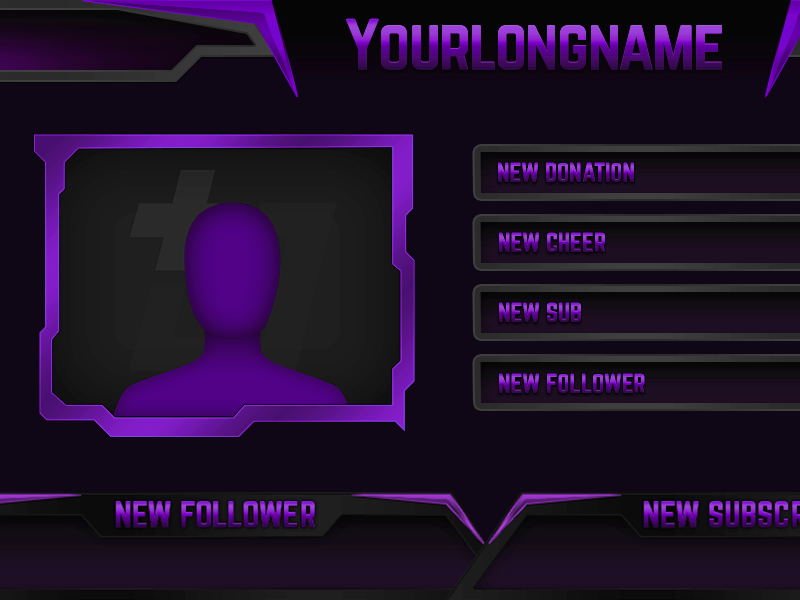
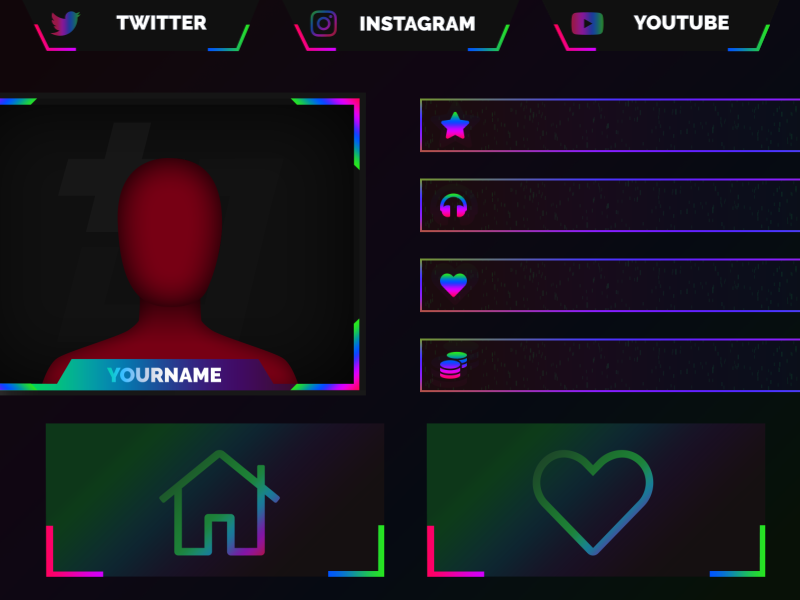
This free archive includes gameplay overlays, webcam borders, stream screens, profile panels, and alert graphics, with occasional mini-packages that give you several coordinated elements at once. Depending on the product, downloads can include PNG, JPG, GIF, or WEBM files for straightforward use in OBS Studio and Streamlabs Desktop.
Use the grid above to compare styles and asset types, then open any product page for file details and setup specifics before you download. When you are ready to connect more scenes and channel elements together, the next step is usually a matching package or premium overlay collection that ties your whole stream together.
Free Twitch overlays help new and returning creators improve how their live stream looks without committing to a full paid package straight away. They are an easy way to test colours, layout styles, webcam framing, scene balance, and OBS or Streamlabs compatibility before deciding whether a premium upgrade is worth it for your channel.
It depends on the product, but free downloads can include overlay graphics, webcam frames, alerts, stream screens, panels, or other files you can use straight away.
Yes. They use standard file formats like PNG, GIF, and WEBM that drop straight into OBS Studio and Streamlabs Desktop scenes.
No. While the collection is aimed at Twitch creators, many of the free graphics also work well for YouTube, Kick, and other platforms you stream to through the same software.
Yes. Most free overlay files can be added directly to OBS Studio or Streamlabs Desktop as image, media, or browser sources depending on the product.
Free overlays are ideal for trying styles and improving a scene quickly, while premium packages usually include more matching assets, more scene coverage, and a fuller visual system for the whole channel.
Most creators extract the download, then add the included image or video files as sources in OBS Studio or Streamlabs Desktop. Each product page has details about what files are included.
Start with the asset your stream is missing most, such as a gameplay overlay, a webcam frame, a starting soon screen, or profile panels for your channel page.
upgrade.path
Use the free downloads to test what your stream actually needs first. When you find a style that works, move into matching premium overlays and packages that tie your whole channel together.