 Razor Gold - Free Gold Twitch Alerts
alert.pulse
Free Twitch Alerts for OBS & Streamlabs
Browse free Twitch alerts designed for follows, subs, raids, bits, and tips, with instant downloads you can test in OBS or Streamlabs. These free alert graphics are built for Twitch creators first, but they also work for YouTube, Kick, and TikTok if you use the same broadcast software.
If your notifications feel generic or disconnected from the rest of the stream, start with the free Twitch alerts below and compare the styles that fit your channel.
Razor Gold - Free Gold Twitch Alerts Razor Purple - Free Purple Twitch Alerts
 Razor Blue - Free Blue Twitch Alerts
 Neon Titan - Green Twitch Alerts
 Diamonds High - Free Red Stream Alerts
 Chrome Over Stream Alerts
 Razor Green Stream Alerts
 Carbon Stream Alerts for Streamlabs
 Razor Red Stream Alerts
event.layer
Free Twitch alerts shape how stream moments land
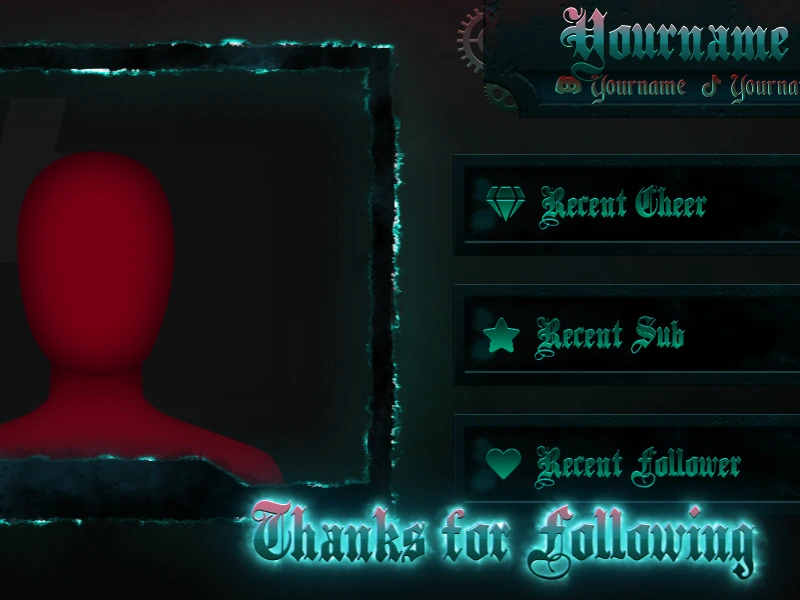
A follow or sub alert only lasts a few seconds, but it still says a lot about your stream. Good Twitch alerts make viewers feel acknowledged and keep the channel looking consistent instead of generic.
That matters whether you stream on Twitch alone or use the same OBS or Streamlabs workflow for YouTube, Kick, or TikTok at other times.
timing.rules
The best free Twitch alerts feel visible, not disruptive
Good alert graphics grab attention quickly, then clear the scene without blocking the content for too long. When you compare free Twitch alerts, think about how they sit over gameplay, how readable they are on mobile, and whether they match the pace of your stream.
The right alert set should improve reaction moments, not pull focus away from the thing viewers came to watch.
Why free Twitch alerts make viewer moments stand out
Free Twitch alerts do more than announce an event. Good alert graphics reinforce your stream style, make viewers feel acknowledged, and stop notifications from looking generic.
faq.buffer
Frequently Asked Questions
They cover follows, subscribers, cheers, tips, raids, gifted subs, and other viewer events, depending on how your alerts are set up.
Yes. Most creators add the alert as a browser source in OBS or Streamlabs, then adjust it to fit the scene.
Usually yes. Shared colours, shapes, and typography help your alerts feel integrated instead of separate from the rest of the scene.
Yes. They also work for YouTube, Kick, and TikTok livestreams as long as your alert software supports those platforms.
upgrade.path
Pair your free Twitch alerts with a stronger full layout
When the alert style starts to click, the next step is usually matching overlays, screens, and profile assets that keep the same tone across the whole channel.