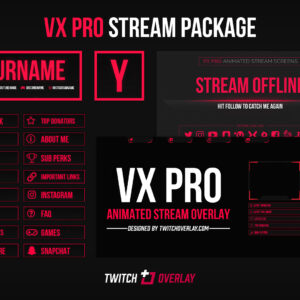
VX Pro Red – Animated Red Stream Package
VX Pro Red, our (mostly) animated red stream package for Twitch & YouTube Gaming, features a…
View DownloadMinimal style downloads are for creators who want a stream look that feels subtle, uncluttered, and content-first. This archive gathers overlays, webcam frames, panels, alerts, screens, and packages that share that visual direction, making comparison easier than browsing the full catalogue. It is especially useful for streamers who want polish without covering the screen, especially gameplay, art, and productivity channels. Expect thin borders, simple spacing, restrained colours, and graphics that avoid visual noise. These details can help your OBS or Streamlabs layout feel intentional without forcing every scene to look identical or overdesigned.
VX Pro Red, our (mostly) animated red stream package for Twitch & YouTube Gaming, features a…
View Download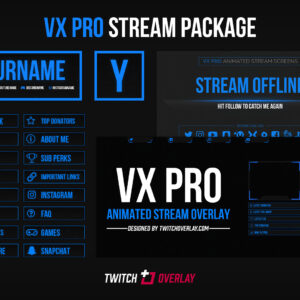
VX Pro Blue, our (mostly) animated blue stream package for Twitch & YouTube Gaming, features a…
View Download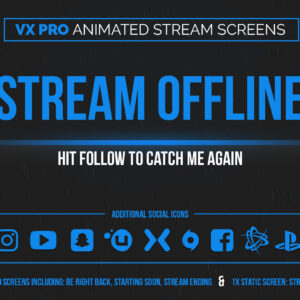
VX Pro Blue animated blue stream screens for Twitch & YouTube are the follow-up, complimentary stream…
View Download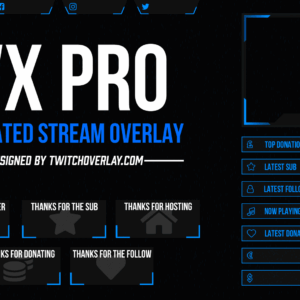
VX Pro Blue is a fully animated blue twitch overlay for use on Twitch, YouTube, or…
View Download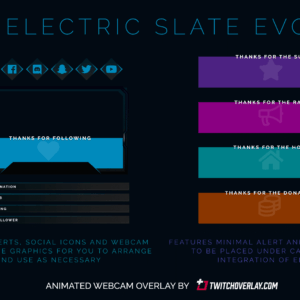
Electric Slate Evo is an animated webcam blue overlay for Twitch & YouTube Gaming that reworks…
View Download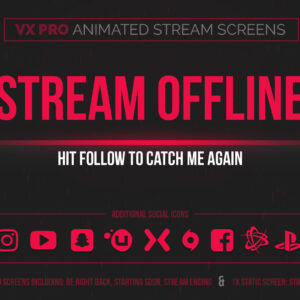
VX Pro animated red stream screens for Twitch & YouTube, fully compatible with major streaming tools…
View Download
Starter is a free green overlay giving you the basic, foundational graphics you need to get…
View Download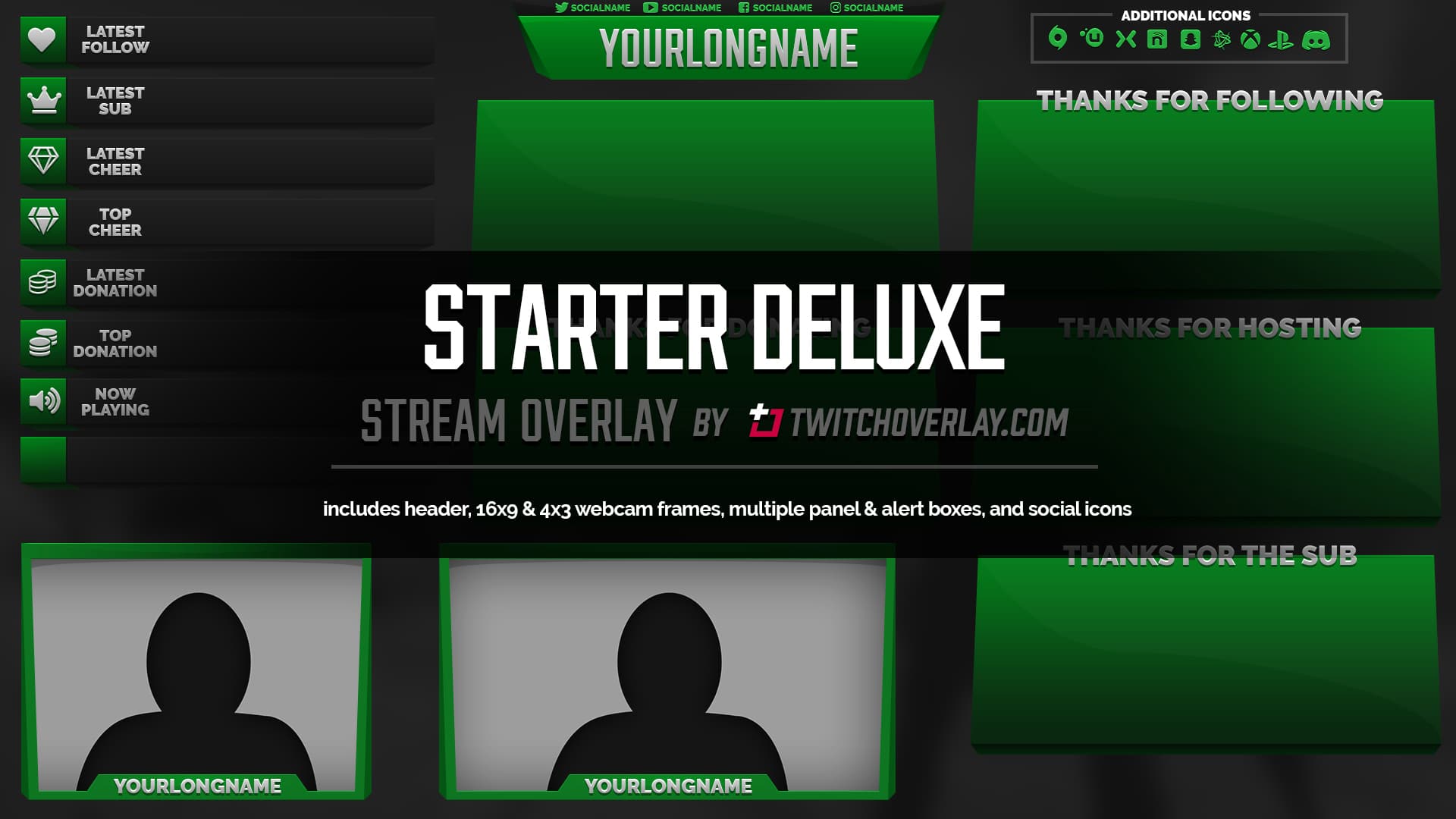
Starter Deluxe is a green overlay which takes the basic, stylish elements of Starter and adds…
View Download
Starter is a free blue overlay giving you the basic, foundational graphics you need to get…
View DownloadThe minimal style works best when it supports the kind of content you make. The downloads above give you a focused group of assets with thin borders, simple spacing, restrained colours, and graphics that avoid visual noise, so you can build scenes that feel connected while still choosing the exact product type your stream needs.
They suit streamers who want polish without covering the screen, especially gameplay, art, and productivity channels, but can also work as accents inside a mixed stream identity.
Yes, but keep one dominant direction so your overlay, screens, alerts, and panels do not fight each other visually.