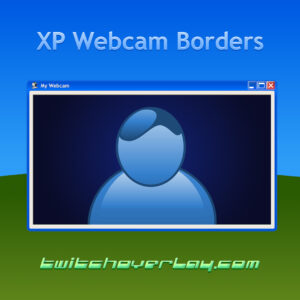
Windows XP Webcam Border
Take your webcam back to Y2K with the Windows XP Webcam Border for Twitch, YouTube, and…
View Downloadcamera.frame
Browse free webcam borders for OBS and Streamlabs, with instant downloads that frame your camera feed for Twitch, YouTube, Kick, and TikTok. These free webcam frames help facecam scenes look cleaner without covering too much gameplay.
Compare the options below when you need a free webcam border that fits your camera size, stream style, and how busy your scene already is.
Take your webcam back to Y2K with the Windows XP Webcam Border for Twitch, YouTube, and…
View Download
Candy Cane is an Xmas Twitch overlay you can instantly download and use on your Twitch,…
View Download
Boo Ghost is a cute and free Halloween webcam overlay for your Twitch & YouTube Gaming…
View Download
If you’d rather keep things a little more simple, then a standalone cam overlay is exactly…
View Download
If you’d rather keep things a little more simple, then a standalone cam overlay is exactly…
View DownloadFree webcam borders give your camera a defined space in the scene. They help facecam content look more polished, keep your camera separate from the gameplay, and make camera-focused streams look better without much extra setup.
Add the webcam border above your camera source, then scale the frame and camera together until the fit feels clean inside the scene.
No. They also work well for Just Chatting, reaction videos, podcasts, tutorials, and any stream format where your facecam stays visible.
A webcam border usually means the frame around the camera feed, while a webcam overlay can include a fuller set of camera graphics like backgrounds, labels, or effects.
Yes. The best result usually comes from choosing a border that fits the same colours and visual style as your overlay, alerts, or panels.
upgrade.path
When the camera treatment starts to work, the natural follow-up is matching overlays, alerts, and screens that carry the same visual language across the stream.