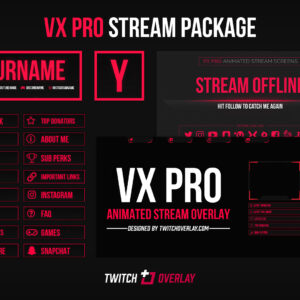
VX Pro Red – Animated Red Stream Package
VX Pro Red, our (mostly) animated red stream package for Twitch & YouTube Gaming, features a…
View DownloadFlat style downloads are for creators who want a stream look that feels clean, graphic, and easy to read. This archive gathers overlays, webcam frames, panels, alerts, screens, and packages that share that visual direction, making comparison easier than browsing the full catalogue. It is especially useful for modern creator brands, tutorial streams, simple gameplay layouts, and channels that value clarity. Expect solid shapes, minimal texture, tidy edges, and layouts that stay legible at small sizes. These details can help your OBS or Streamlabs layout feel intentional without forcing every scene to look identical or overdesigned.
VX Pro Red, our (mostly) animated red stream package for Twitch & YouTube Gaming, features a…
View Download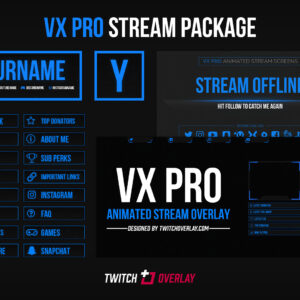
VX Pro Blue, our (mostly) animated blue stream package for Twitch & YouTube Gaming, features a…
View Download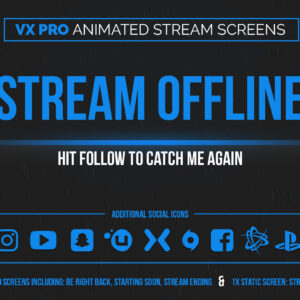
VX Pro Blue animated blue stream screens for Twitch & YouTube are the follow-up, complimentary stream…
View Download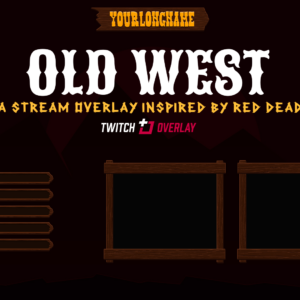
Old West is a Red Dead Redemption 2 overlay inspired entirely by the wild west. That’s…
View Download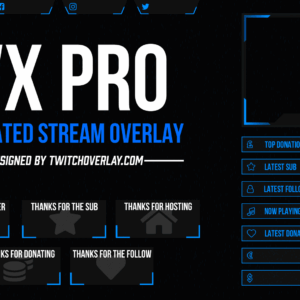
VX Pro Blue is a fully animated blue twitch overlay for use on Twitch, YouTube, or…
View Download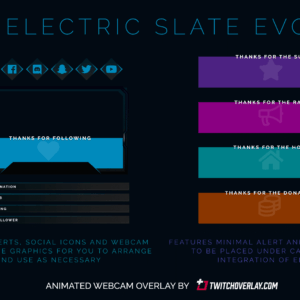
Electric Slate Evo is an animated webcam blue overlay for Twitch & YouTube Gaming that reworks…
View Download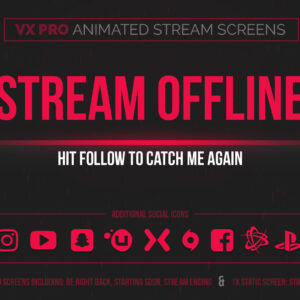
VX Pro animated red stream screens for Twitch & YouTube, fully compatible with major streaming tools…
View Download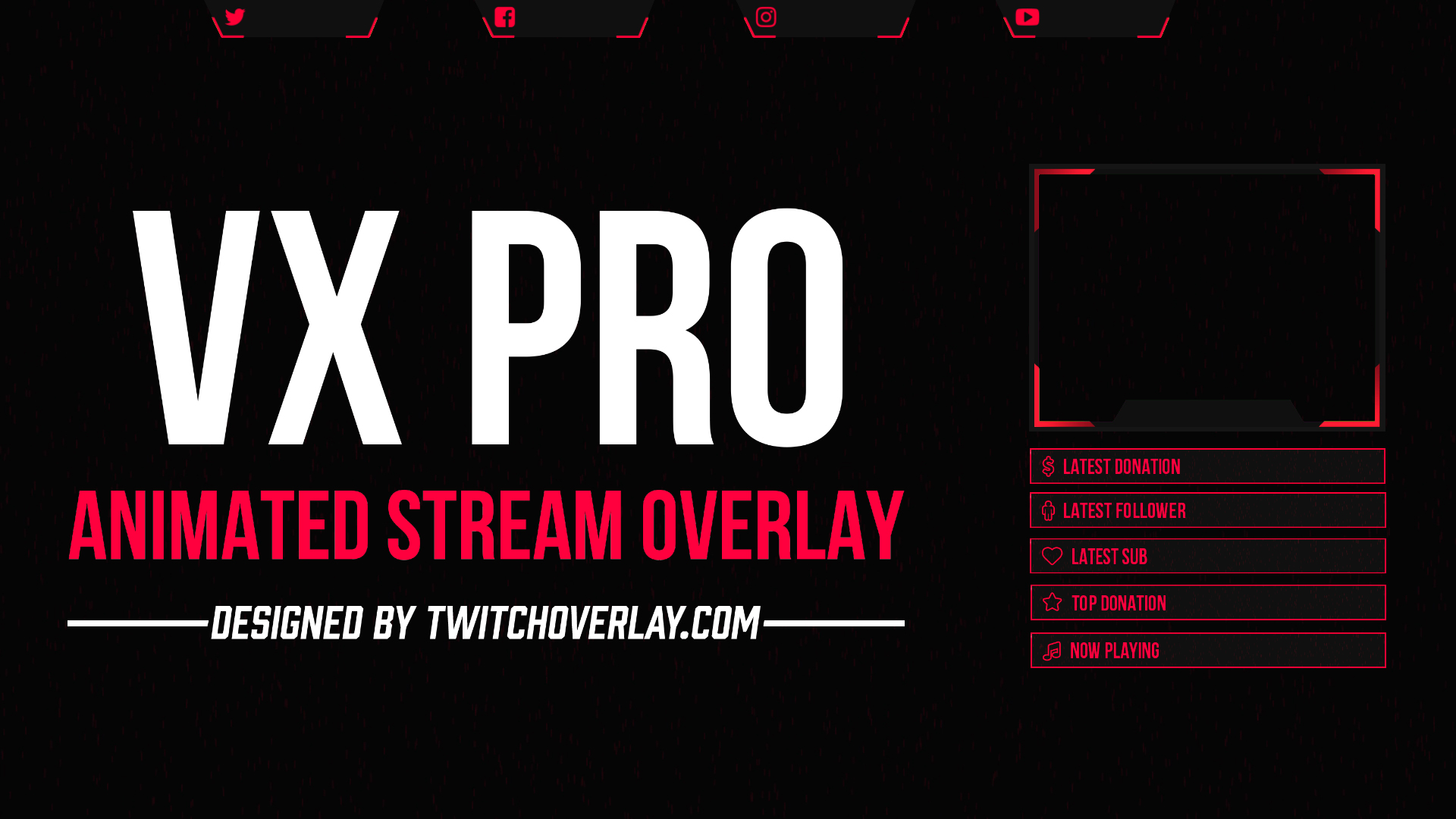
VX Pro Red is a fully animated red overlay for use on Twitch, YouTube, and other…
View Download
This is Ghost Rising, a free Destiny 2 stream overlay from Twitch Overlay, for use with…
View DownloadThe flat style works best when it supports the kind of content you make. The downloads above give you a focused group of assets with solid shapes, minimal texture, tidy edges, and layouts that stay legible at small sizes, so you can build scenes that feel connected while still choosing the exact product type your stream needs.
They suit modern creator brands, tutorial streams, simple gameplay layouts, and channels that value clarity, but can also work as accents inside a mixed stream identity.
Yes, but keep one dominant direction so your overlay, screens, alerts, and panels do not fight each other visually.