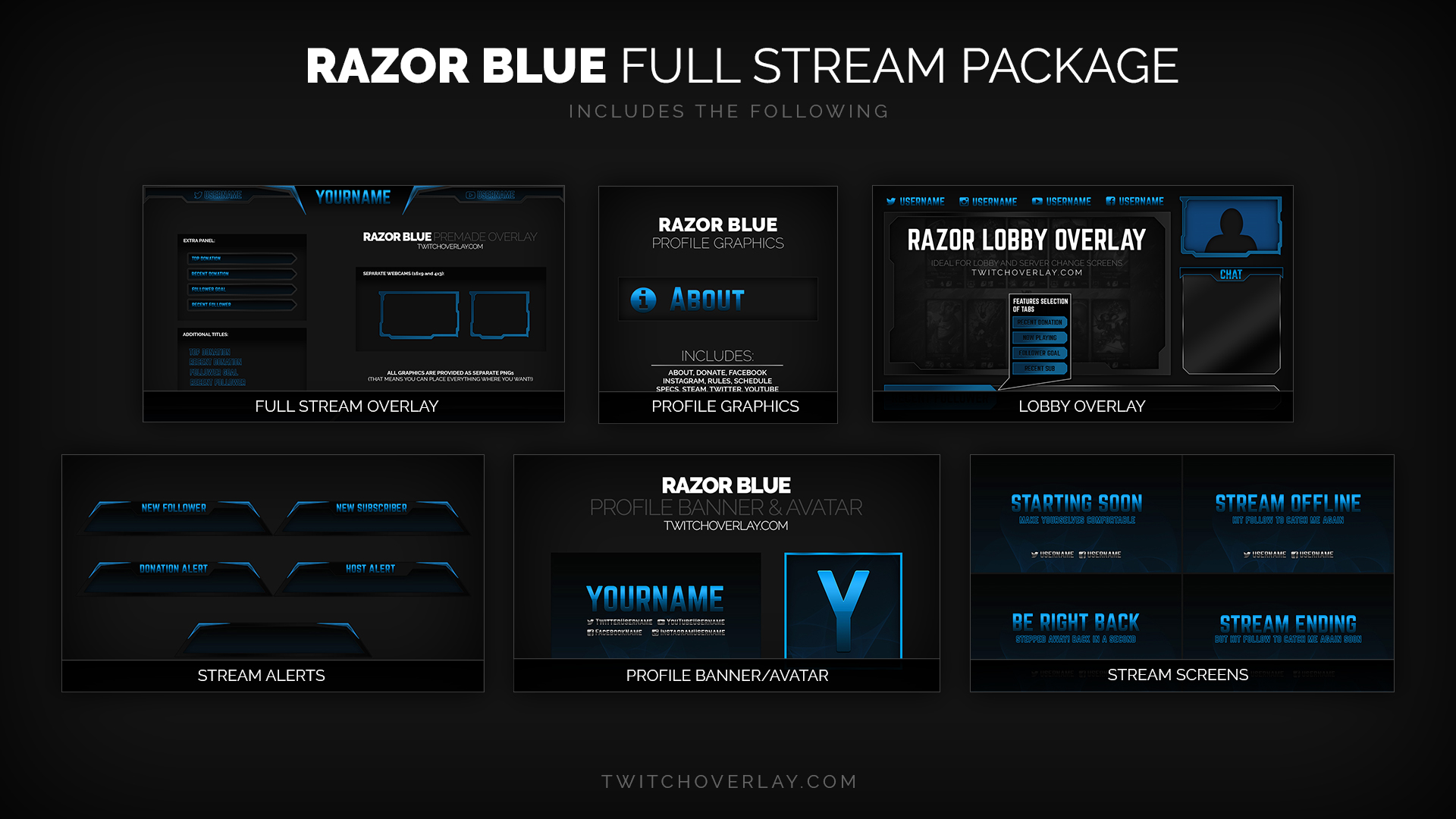
Razor Blue – Blue Stream Package
Razor Blue is a blue stream package from our best-selling Razor family of designs, for use…
View DownloadThis Downloads archive gathers stream graphics connected to a specific browsing route in the Twitch Overlay catalogue. Use it to compare downloads that share a clear category, tag, colour, style, or family relationship before opening the individual product pages. The assets may include overlays, webcam frames, panels, stream screens, alerts, or package pieces depending on what belongs to this archive and what is currently available for OBS Studio or Streamlabs Desktop.
Razor Blue is a blue stream package from our best-selling Razor family of designs, for use…
View Download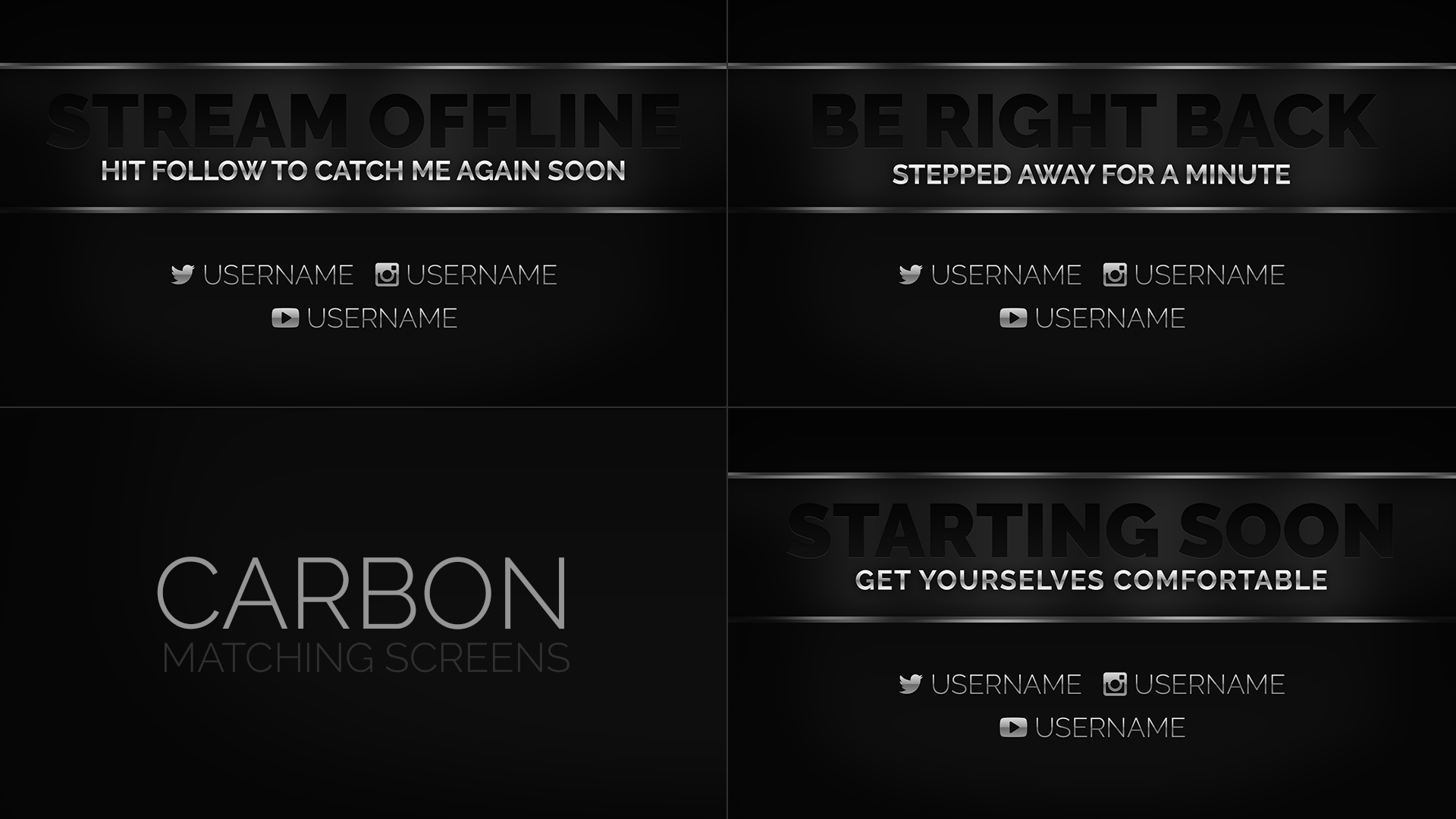
Belonging to the Carbon family of stream designs, these dark, metallic, monochrome screens are perfect for…
View Download
Razor Red is a red stream package from our hugely popular Razor family of designs, for…
View Download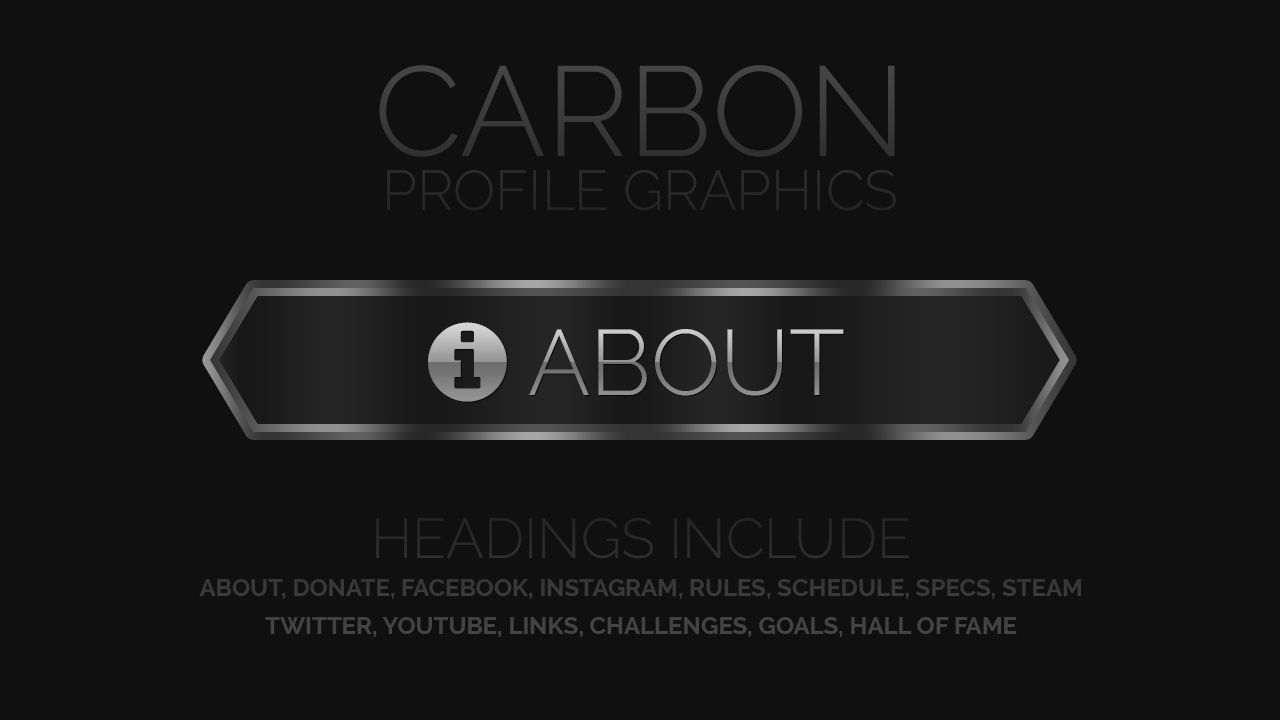
These metallic profile graphics are a great match for our Carbon overlay, but also work real well…
View Download
Razor Red stream alerts for use with Streamlabs, Stream Elements, and other stream alert services. Perfect…
View Download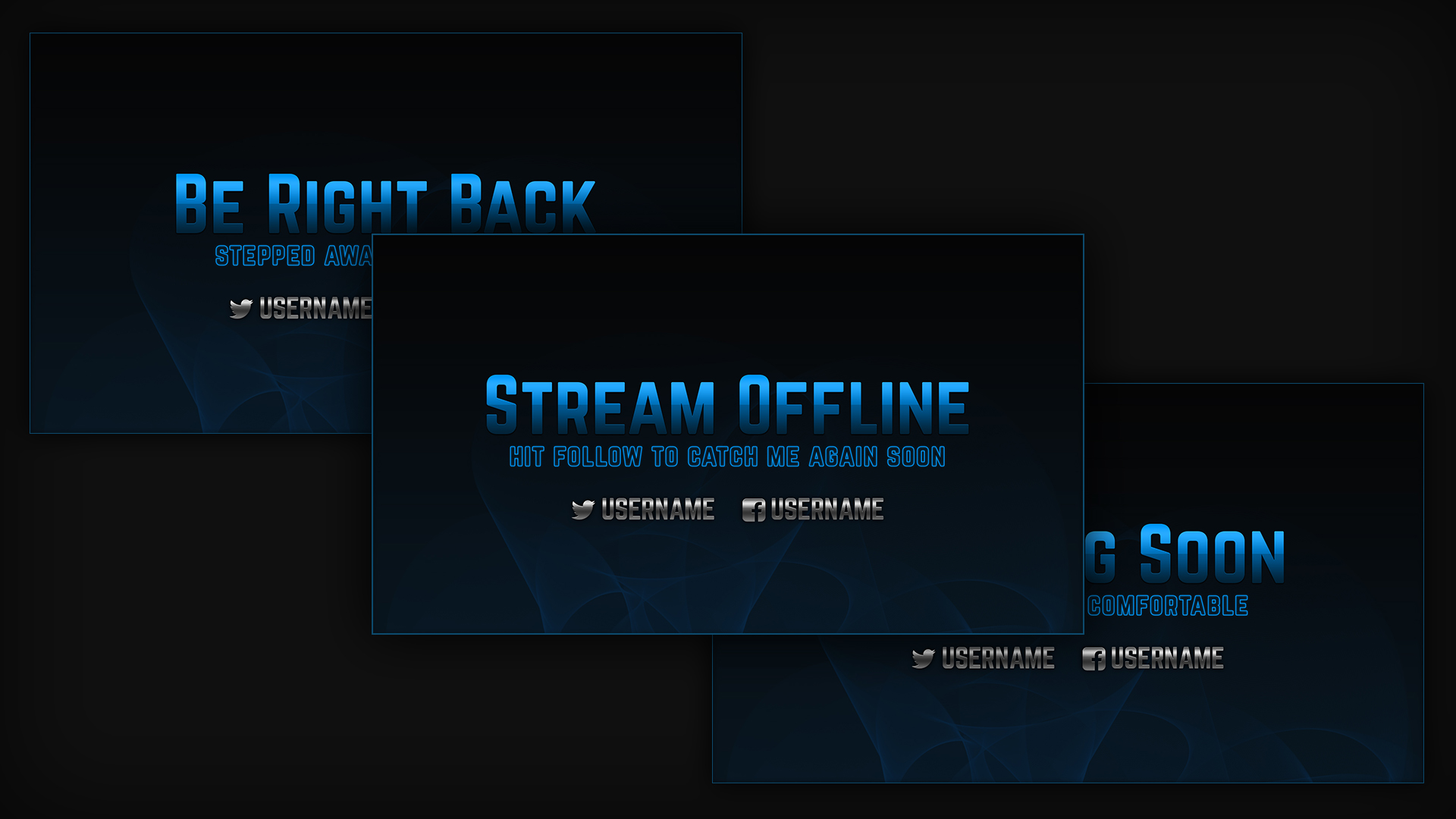
Set of professional, metallic blue stream screens made in the style of our Razor Blue eSports Stream…
View Download
Set of professional, metallic gold profile graphics made in the style of our Razor Gold eSports Stream Overlay. Useable…
View Download
26 blue twitch panels in the clean & metallic Razor style. These profile headings are great…
View Download
The Simple Minimal Overlay keeps your stream layout looking sleek and professional. Compatible with Streamlabs OBS,…
View DownloadThe downloads above are grouped around Downloads so you can narrow the catalogue without losing useful product variety. Open individual items for file details, setup notes, and compatibility information.
Look at the product type first, then compare colour, style, included files, and how well the asset fits your existing stream layout.
They are intended for common streaming workflows, with individual product pages providing the most specific setup information.