



Free Downloads
Free Twitch Overlay Downloads for OBS & Streamlabs
Browse free Twitch overlay downloads for OBS Studio and Streamlabs Desktop, including alerts, screens, panels, webcam frames, and starter packages. These instant downloads are built for Twitch creators first, while still working for YouTube, Kick, and TikTok when you use the same streaming software.

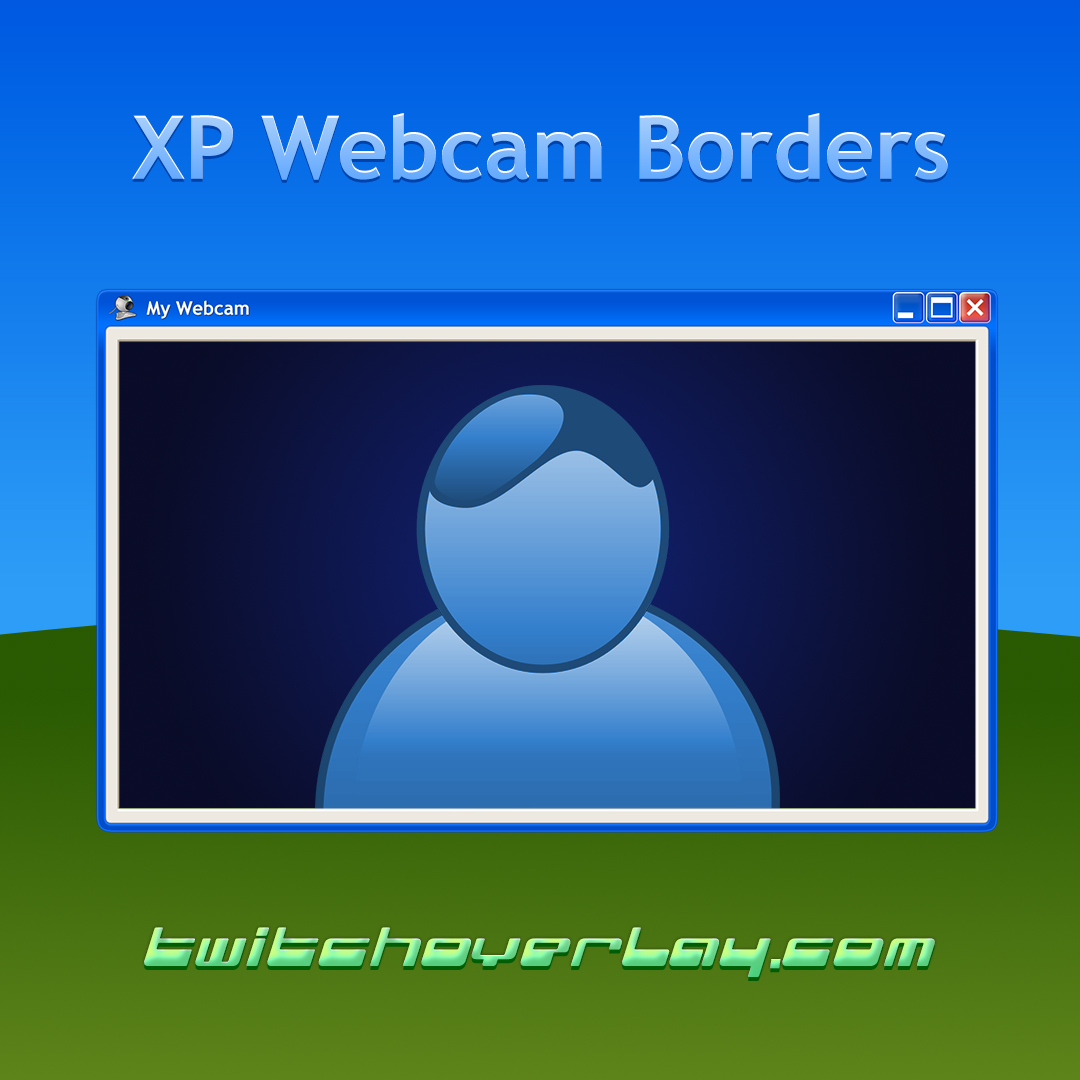 Windows XP Webcam BorderFree DownloadsFREEView →
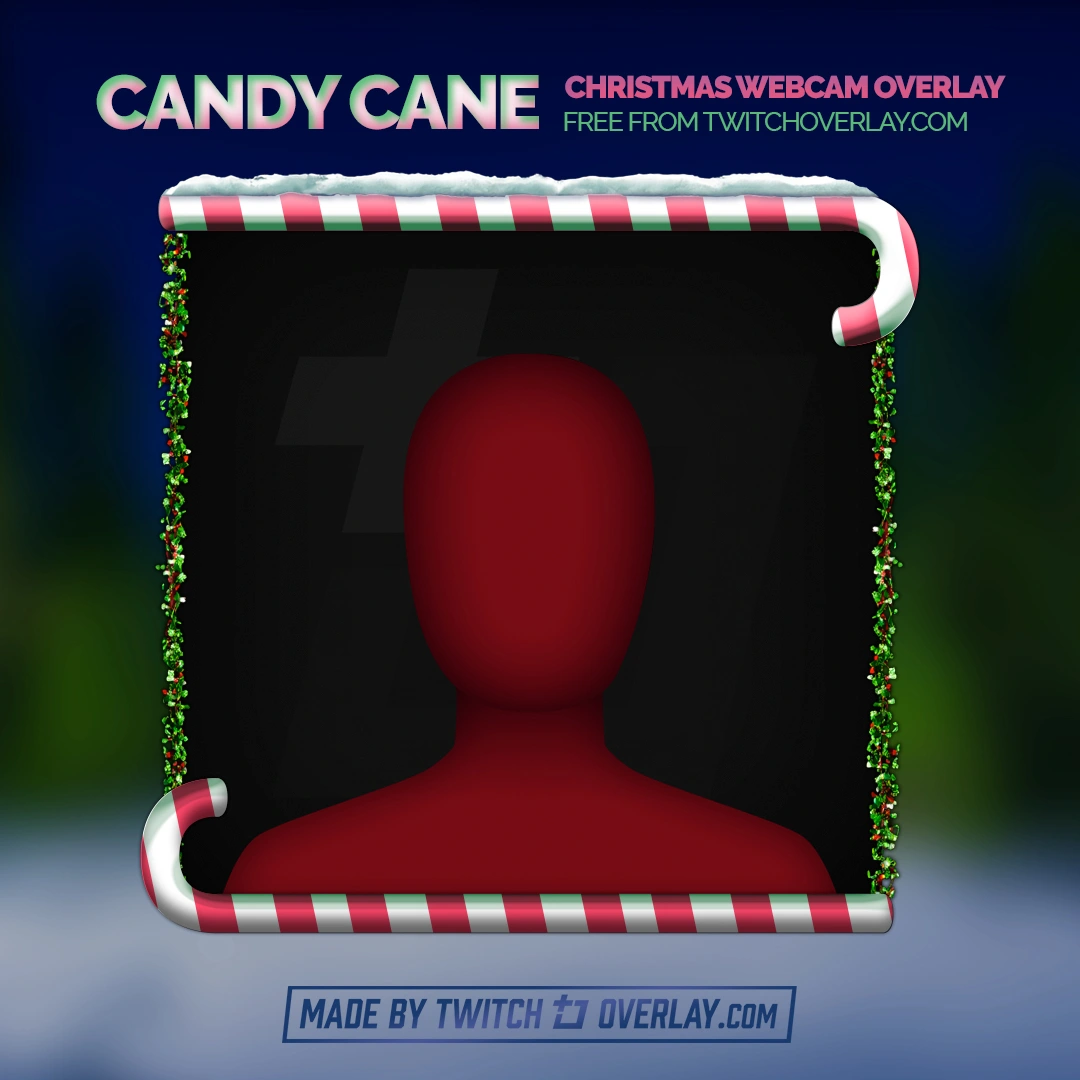 Candy Cane - Xmas Twitch OverlayFree DownloadsFREEView →
 Shinjukombo - Red Neon Tokyo Twitch Overlay for OBSFree DownloadsFREEView →
 Boo Ghost - Free Halloween Webcam OverlayFree DownloadsFREEView →
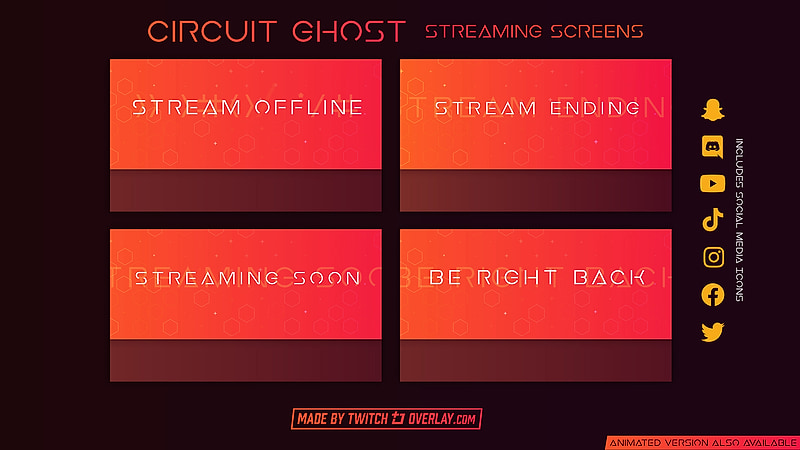
 Circuit Ghost - Free Red Streaming Soon & BRB ScreensFree DownloadsFREEView →
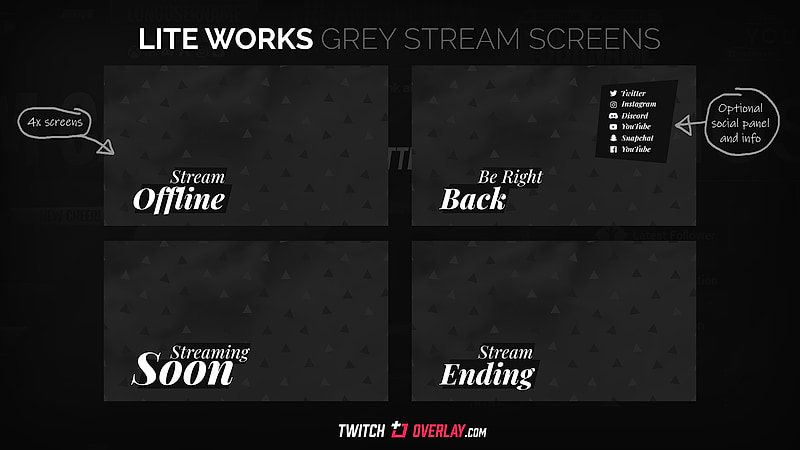
 Lite Works - Free Grey Streaming Soon & BRB ScreensFree DownloadsFREEView →
 Razor Gold - Free Gold Twitch AlertsFree DownloadsFREEView →
 Razor Purple - Free Purple Twitch AlertsFree DownloadsFREEView →
 Razor Blue - Free Blue Twitch AlertsFree DownloadsFREEView →
Every design.
One subscription.
All-Access unlocks the whole catalogue, including every new release while you are subscribed. Swap your look as often as you like. Anything you have already downloaded for free stays yours.
Browse By Type
Browse Free Twitch Overlay Types
Getting Started
Start With The Free Twitch Overlay Your Stream Is Missing
Free Twitch overlays are the quickest way to give a new or rough-looking channel a consistent frame without spending anything upfront. Each free download here covers a specific part of the scene a stream is missing.
Read more
Every free overlay on this page is built to the same standard as the premium packages and behaves the same way inside your broadcast software, so nothing about the setup changes when you later move to a full stream package. Pick the free graphics that match your game or content, see how they sit on your channel, then upgrade only the pieces you want in a higher-detail or animated style.

Setup
How Free Twitch Overlays Fit Into OBS and Streamlabs
Most free downloads use standard image, GIF, or video files, which means they drop straight into OBS Studio or Streamlabs Desktop as image or media sources with no plugins or extra software required.
Read more
Because the files are ordinary assets, you can reuse a single free overlay across multiple scenes, recolour the included source files where they are provided, and combine separate downloads, such as a webcam frame, panels, and a starting-soon screen, into one consistent layout. That same scene structure carries over if you upgrade to an animated or premium package later, so the time spent arranging a free overlay is never wasted.
Details
Why streamers use free Twitch overlays
Free Twitch overlays help new and returning creators improve how their live stream looks without committing to a full paid package straight away. They are an easy way to test colours, layout styles, webcam framing, scene balance, and OBS or Streamlabs compatibility before deciding whether a premium upgrade is worth it for your channel.
Frequently Asked Questions
What is included in a free Twitch overlay download?
It depends on the product, but free downloads can include overlay graphics, webcam frames, alerts, stream screens, panels, or other files you can use straight away.
Do these free Twitch overlays work with OBS Studio and Streamlabs Desktop?
Yes. They use standard file formats like PNG, GIF, and WEBM that drop straight into OBS Studio and Streamlabs Desktop scenes.
Are these overlays only for Twitch?
No. While the collection is aimed at Twitch creators, many of the free graphics also work well for YouTube, Kick, and other platforms you stream to through the same software.
Can I use these as free OBS overlays or free Streamlabs overlays?
Yes. Most free overlay files can be added directly to OBS Studio or Streamlabs Desktop as image, media, or browser sources depending on the product.
What is the difference between free overlays and premium stream packages?
Free overlays are ideal for trying styles and improving a scene quickly, while premium packages usually include more matching assets, more scene coverage, and a fuller visual system for the whole channel.
How do I install a Twitch overlay after downloading it?
Most creators extract the download, then add the included image or video files as sources in OBS Studio or Streamlabs Desktop. Each product page has details about what files are included.
Which free overlay type should I choose first?
Start with the asset your stream is missing most, such as a gameplay overlay, a webcam frame, a starting soon screen, or profile panels for your channel page.
Get New Free Packs As They Land
New free overlays, alerts and stream screens land regularly. Leave your email and we'll send the good ones, then browse the premium collection when you're ready.
Join 14,342+ streamers. No spam, unsubscribe anytime.
