Free Webcam Frames
Free Webcam Borders for OBS & Streamlabs
Browse free webcam borders for OBS and Streamlabs, with instant downloads that frame your camera feed for Twitch, YouTube, Kick, and TikTok. These free webcam frames help facecam scenes look cleaner without covering too much gameplay.

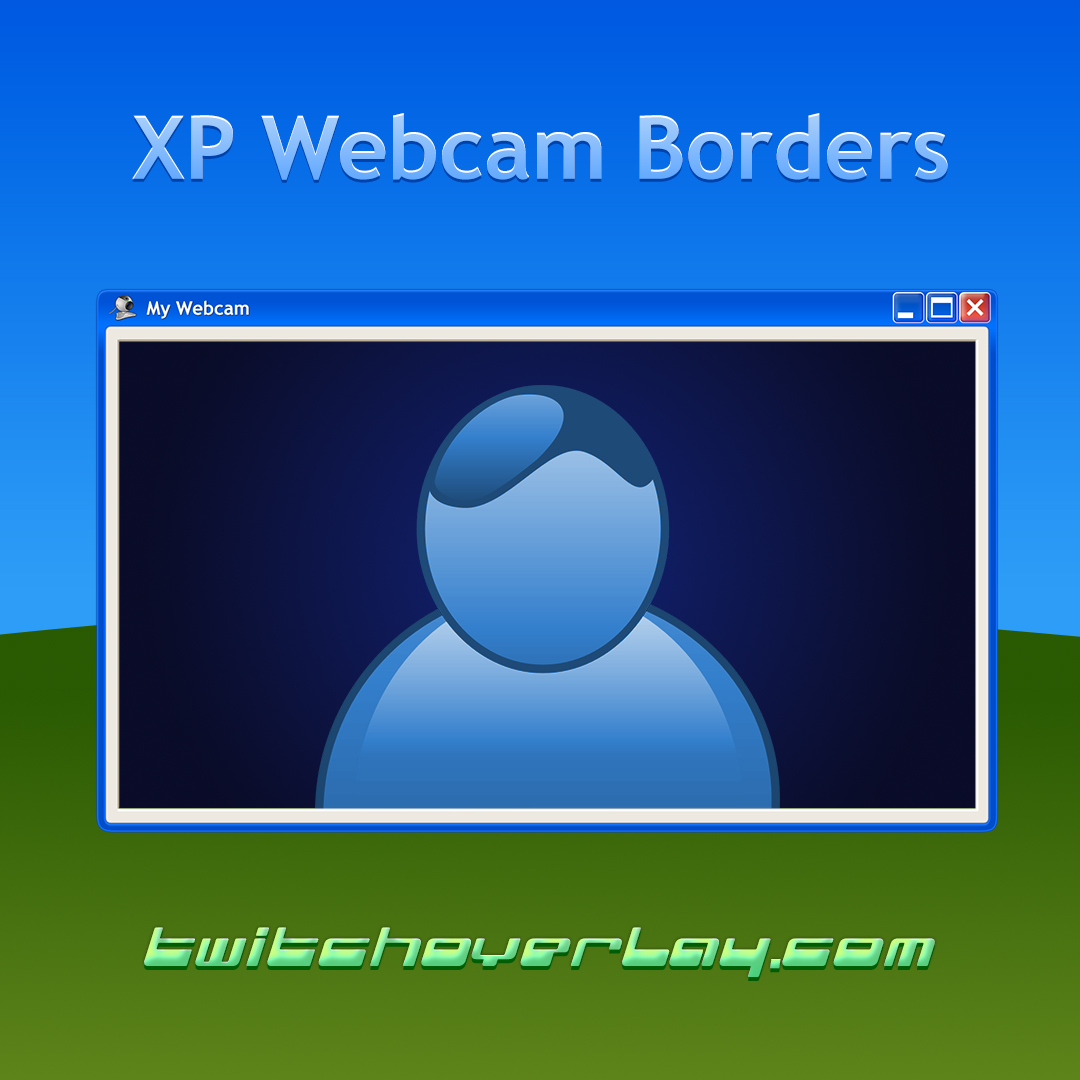






Every design.
One subscription.
All-Access unlocks the whole catalogue, including every new release while you are subscribed. Swap your look as often as you like. Anything you have already downloaded for free stays yours.
camera.layer
Free webcam borders help the camera feel intentional
A camera feed placed on top of gameplay can look temporary if it has no visual framing. Free webcam borders solve that quickly by giving the facecam a defined edge, which tidies up the scene without adding much clutter.
Read more
For creators who stream with a visible facecam on Twitch, YouTube, Kick, or TikTok, that small change can make the whole broadcast feel more polished.

fit.check
Pick a free webcam border that respects the scene around it
The best webcam borders do not just look good in a thumbnail. They need to fit your camera crop, avoid blocking key gameplay information, and still look clean when alerts, labels, and animations are running in the same scene.
Read more
That is why comparing border thickness and shape matters as much as colour when you choose a free webcam frame.

Details
Why free webcam borders improve facecam scenes
Free webcam borders give your camera a defined space in the scene. They help facecam content look more polished, keep your camera separate from the gameplay, and make camera-focused streams look better without much extra setup.
Frequently Asked Questions
How do free webcam borders fit into OBS and Streamlabs?
Add the webcam border above your camera source, then scale the frame and camera together until the fit feels clean inside the scene.
Are free webcam borders only useful for gaming?
No. They also work well for Just Chatting, reaction videos, podcasts, tutorials, and any stream format where your facecam stays visible.
What is the difference between a webcam border and a webcam overlay?
A webcam border usually means the frame around the camera feed, while a webcam overlay can include a fuller set of camera graphics like backgrounds, labels, or effects.
Can a free webcam border match the rest of my layout?
Yes. The best result usually comes from choosing a border that fits the same colours and visual style as your overlay, alerts, or panels.
Turn a free webcam border into a matching camera system
When the camera treatment starts to work, the natural follow-up is matching overlays, alerts, and screens that carry the same visual language across the stream.
