13 July 2026 · By Lou
Twitch Overlays: The Complete Guide
An overlay is what separates a stream that looks like a webcam pointed at a game from a stream that looks like an actual channel.

An overlay is what separates a stream that looks like a webcam pointed at a game from a stream that looks like an actual channel. This is the hub guide. We'll cover what overlays are, the pieces that make up a full setup, how to install them, and how to pick a look that fits you. Where a topic deserves a deeper dive, we link to a full article on it.
What is a Twitch overlay?
A Twitch overlay is the layer of graphics that sits on top of your gameplay or camera. It's the frame around your webcam, the Starting Soon screen, the alert that fires when someone subscribes, and the panels under your stream. None of it touches your game. It changes how your broadcast looks and feels.
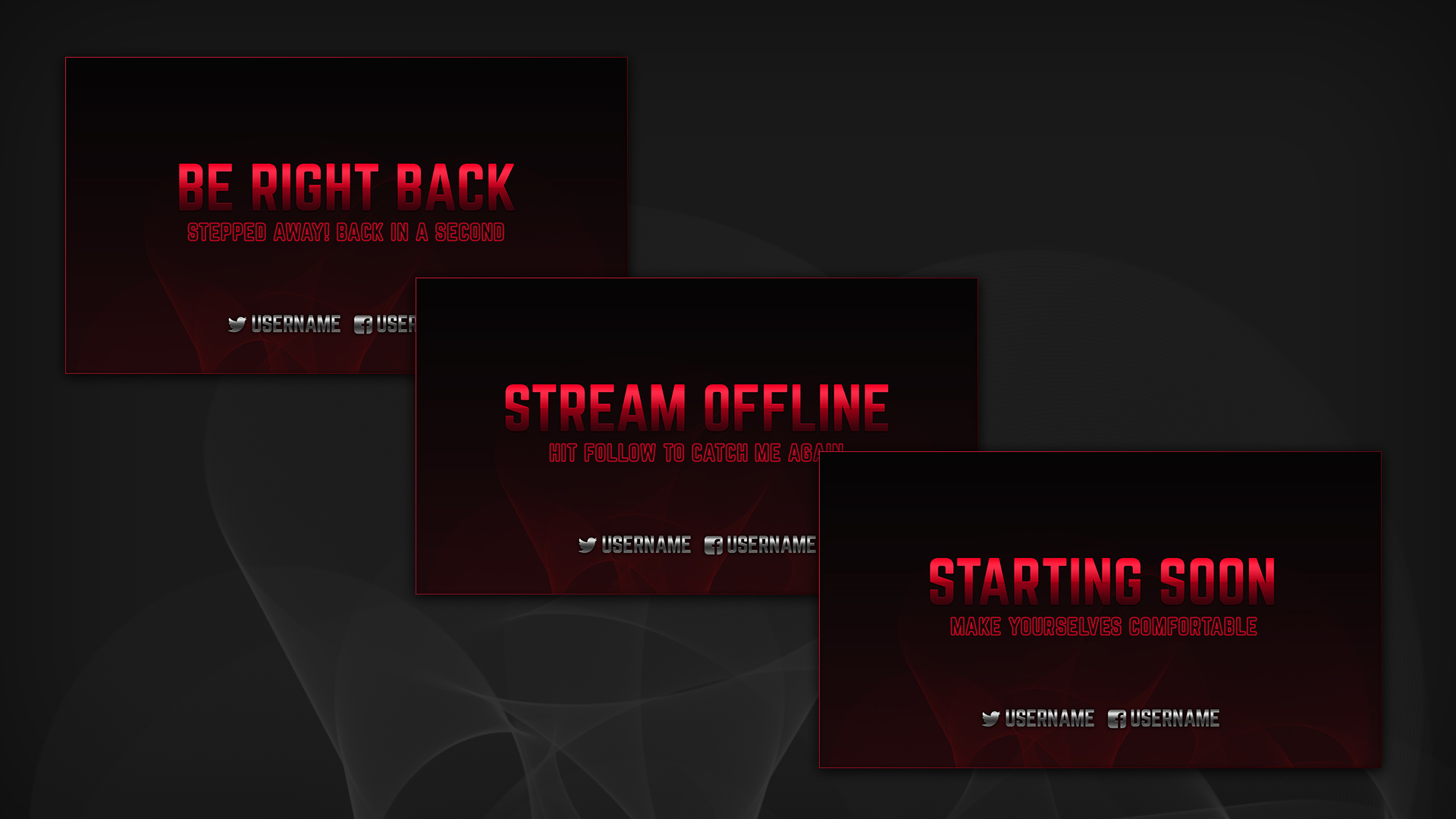
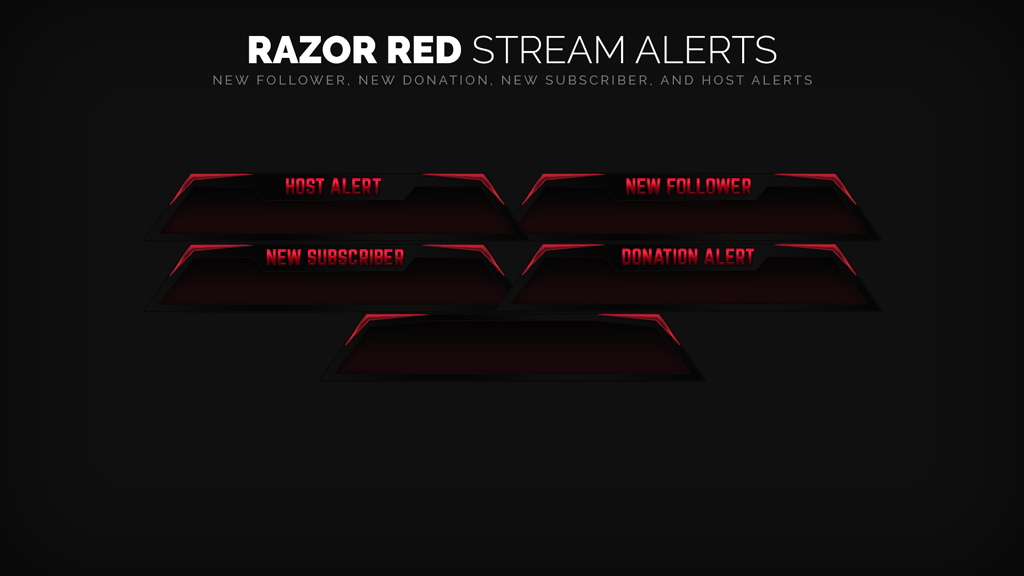
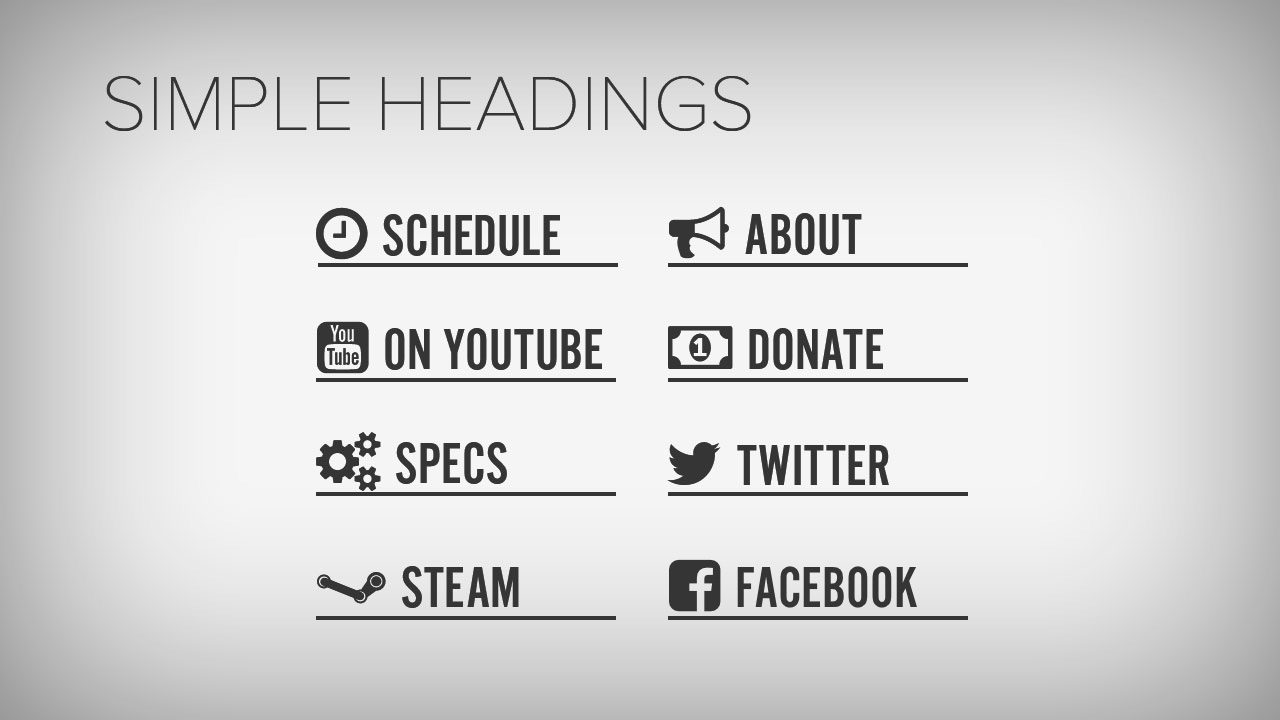
A complete setup usually includes a few things. Screens are the holding graphics that bookend a stream, like Starting Soon, Be Right Back, and Ending. The in-game overlay is the webcam frame, the recent-follower labels, and anything that stays on screen during gameplay. Alerts are the animations and sounds that fire on follows, subs, donations, and raids. Stinger transitions are the short animated wipes between scenes. Panels are the clickable info boxes under your stream for things like your schedule, socials, and rules. Emotes and badges are the small images your community spams in chat.
When all of these share one design language, your channel looks intentional. When they don't, it looks stitched together. Keeping them matched is one of the strongest reasons to get everything from a single source, which we'll come back to.
Free vs. paid overlays
Free overlays are a fine place to start, and there are some genuinely good free packs out there. The tradeoffs are that free designs get used widely, so you'll look like other channels, they're often incomplete (an overlay with no matching alerts, for instance), and they rarely get updated.
Paid overlays buy you originality, a complete matching kit, and animated or advanced widgets. The real decision isn't free or paid. It's when to upgrade, and whether to buy packs one at a time or subscribe to all of them. We break both down in Free vs. Paid Stream Overlays and Best Overlay Subscription vs. Buying Packs.
How to set up overlays in OBS
The short version: overlays go into OBS as sources inside scenes. A static image is added as an Image source, an animated one as a Media Source, and a hosted online overlay as a Browser source. You build one scene per moment of your stream, like Starting Soon, Live, BRB, and Ending, then drop the right graphics into each.
It's a 20-minute job once scenes and sources click for you. The full walkthrough, with the exact click path and the usual snags around resizing and browser sources, is in How to Set Up Twitch Overlays in OBS (2026). Streamlabs and Twitch Studio follow the same logic with different menus.
Choosing a look that fits you
This is the part most guides skip. A good overlay isn't the flashiest one. It's the one that suits your content and doesn't fight your gameplay for attention.
Match your genre and energy first, because a cozy art stream and a horror FPS want very different frames. Keep it readable rather than busy, so viewers can find the info instead of decoding it. And give it a point of view. Generic gradient looks vanish into the directory, while a distinct aesthetic sticks in people's memory.
That last point is where a strong niche look pays off. Whatever direction you pick, retro, minimal, hand-drawn, high-contrast, the thing that makes it land is committing to it across every element rather than hedging. A deliberate look is remembered. A safe one isn't.
Overlays beyond Twitch: Kick and YouTube
Overlays aren't Twitch-only. Kick has grown fast and plenty of streamers now run both platforms. The graphics are basically the same and the OBS setup is identical. If you're streaming to Kick or multistreaming, see Kick Overlays: Setup + Best Packs.
Keeping it matched: packs vs. subscription
Here's the thread running through all of this. A stream looks professional when every piece shares one design. The cheapest way to start is a free pack. The cleanest way to stay matched as you grow, rebrand, or change games is an all-access subscription, because every asset comes from the same catalog and you can swap looks without buying again. We put hard numbers on that decision in Best Overlay Subscription vs. Buying Packs.
Where to go next
New to this? Start with How to Set Up Twitch Overlays in OBS (2026). Deciding what to spend? Read Free vs. Paid Stream Overlays and Best Overlay Subscription vs. Buying Packs. Shopping for a look? See Best Twitch Overlays & Stream Packs 2026. Streaming on Kick? Go to Kick Overlays: Setup + Best Packs.
Start free. Browse our free downloads, get one running tonight, and upgrade to the full matching catalog whenever you're ready.
Browse free downloads See pricing
Newsletter
Never Miss A New Overlay
New overlays, alerts and stream tips land regularly. Leave your email and we'll send the good ones straight to your inbox.
