6 July 2026 · By Lou
Best Twitch Overlays & Stream Packs 2026
There are more overlay stores than ever, and they don't all want the same kind of streamer. Here's a straight rundown of the better options in 2026.
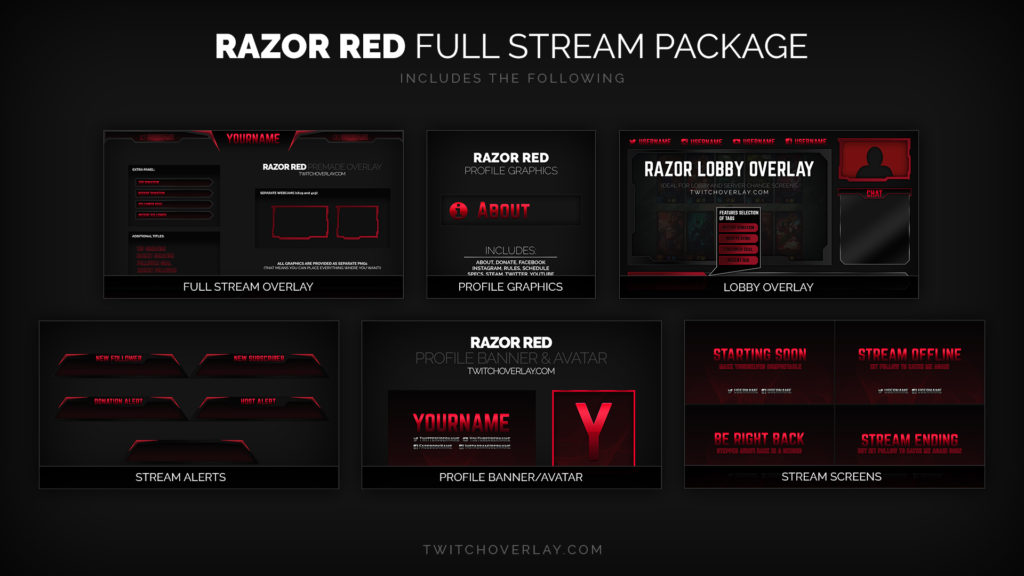
There are more overlay stores than ever, and they don't all want the same kind of streamer. Some sell one-off packs, some run subscriptions, some give everything away free and make money elsewhere. This is a straight rundown of the better options in 2026, what they cost, and who each one actually fits. We run an overlay store ourselves, so we'll be upfront about where we fit and where someone else might serve you better.
How to judge an overlay store
Before the list, four things worth checking on any store:
- Completeness. Does a pack include screens, a frame, alerts, panels, and a transition, or just the overlay? A half kit means more shopping later.
- Pricing model. One-time purchase versus subscription. Neither is better in the abstract, it depends on how often you change your look. We cover that math in Best Overlay Subscription vs. Buying Packs.
- Software fit. Confirm it works with OBS, Streamlabs, or Twitch Studio, whichever you run.
- A point of view. Plenty of stores sell the same glossy gradient look. A distinct style is worth more than a slightly cheaper generic one.
The options
OWN3D. The best-known subscription option. OWN3D runs a large catalog, hundreds of overlays, with one-click setup aimed at people who want to be live tonight. Strong choice if you value variety and speed and don't mind a recurring fee. Worth comparing on price and style against other subscriptions before committing.
Nerd or Die. A long-running store built around one-time packs, usually in the $10 to $60 range, with a clean, minimalist house style. Good if you want to buy one polished look and keep it for years. Their free panel tools are also genuinely useful for beginners.
Visuals by Impulse. Long a go-to for free and premium assets, VBI closed its standalone marketplace and moved its catalog over to the Elgato Marketplace. Still worth a look through Elgato, just know it isn't a standalone store anymore, which matters if you wanted everything in one subscription.
Hexeum. Known for a big library of free stream packs that install cleanly across OBS, Streamlabs, StreamElements, and Twitch Studio, with premium options too. A solid free starting point.
GETREKT and kudos.tv. Both lean into themed and retro looks, including pixel art and synthwave packs with matching alerts and transitions. If you want a nostalgic or stylized look rather than a clean corporate one, start here.
StreamElements and Streamlabs. The big platforms bundle free overlay libraries and editors with their alert and chat tools. Convenient if you're already in their ecosystem, though the free designs are widely used, so originality is limited.
TwitchOverlay (that's us). Subscription-first, running since 2014, and one of the longest-standing stores in this niche. It's one person start to finish, so the person who made your overlay is the person who replies when you email about it. The catalog is broad rather than built around a single house style, with matching screens, alerts, panels, transitions, and emotes across it. Best fit if you change your look often and want everything to match without re-buying. If you want a clean minimalist pack to own once, Nerd or Die may suit you better, and we'd rather tell you that than oversell.
So which should you pick?
A rough guide based on how you stream:
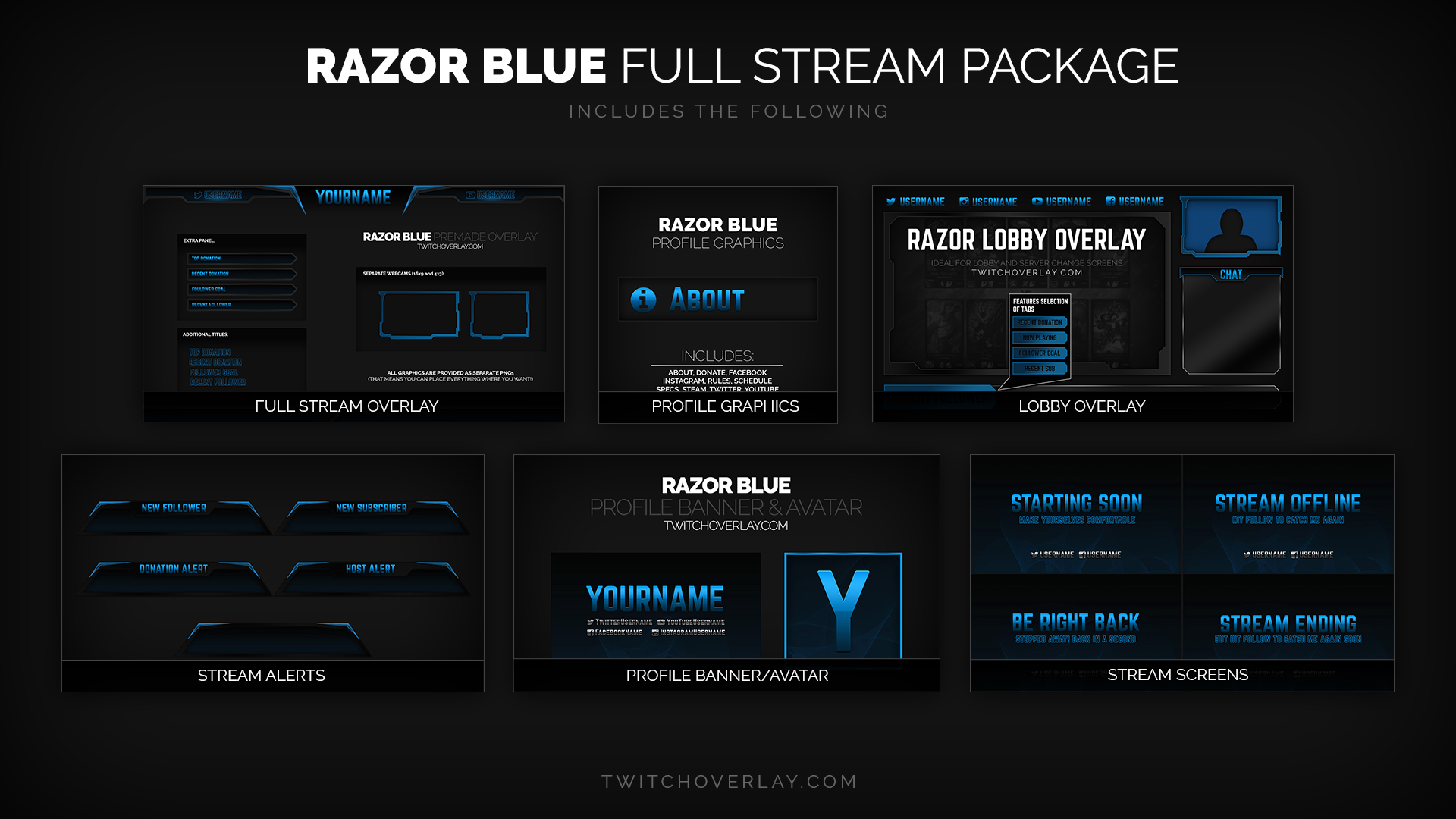
- Just starting and broke: a free pack from Hexeum, StreamElements, or our own free downloads. Get live, then upgrade when it pays off.
- Want one look forever: buy a single premium pack from Nerd or Die or GETREKT.
- Change games or rebrand often: a subscription, where swapping looks costs nothing extra.
- Want a distinct, memorable identity: pick on style, not price. A look with a clear point of view gets remembered where a default gradient won't.
A note on "best"
There isn't one best overlay store, only the best one for how you stream and what you want your channel to feel like. The most common mistake isn't picking the wrong store. It's buying piecemeal until nothing matches. Decide your look first, then pick the source that does that look well.
Want to test-drive a complete, matching set for free? Browse our free downloads, run one tonight, and see the full catalog if you like it.
Browse free downloads See pricing
Newsletter
Never Miss A New Overlay
New overlays, alerts and stream tips land regularly. Leave your email and we'll send the good ones straight to your inbox.
