
Chrome Over – Chrome Stream Screens
Chrome stream screens in the dark, metallic Chrome Over style. Set includes Stream Offline, Starting Soon,…
View DownloadStream screens are the dedicated scene graphics used when your broadcast is starting, paused, ending, or offline. This archive focuses on premium screen downloads that make those transitions feel designed rather than blank. Browse these products if you already have an overlay but need stronger supporting scenes, or if you want your OBS and Streamlabs setup to look consistent before gameplay begins, during breaks, and after the main content ends, giving the whole broadcast a clearer beginning, middle, and finish.
Chrome stream screens in the dark, metallic Chrome Over style. Set includes Stream Offline, Starting Soon,…
View Download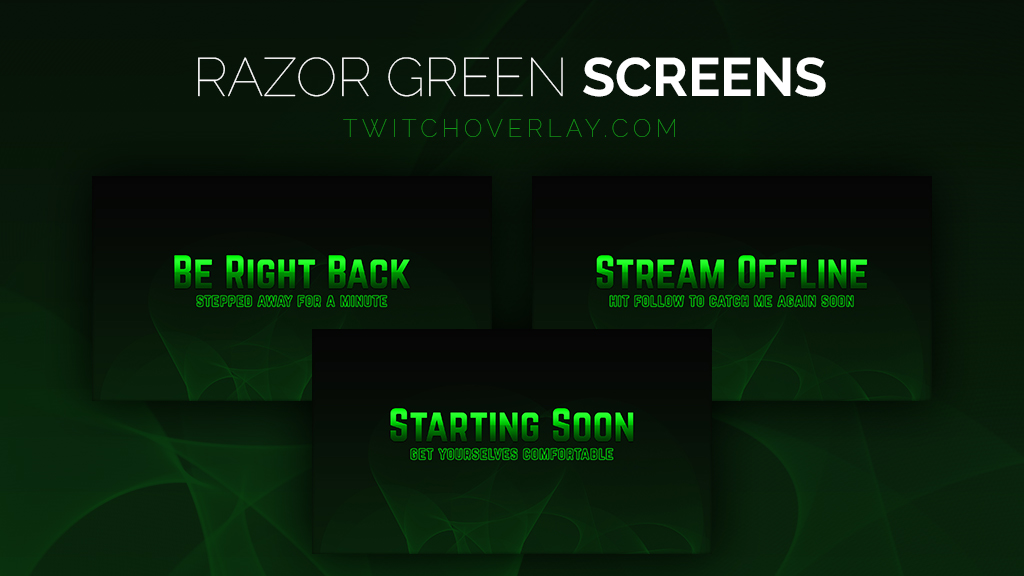
Set of professional, metallic green stream screens made in the style of our Razor Green eSports Stream Overlay.…
View Download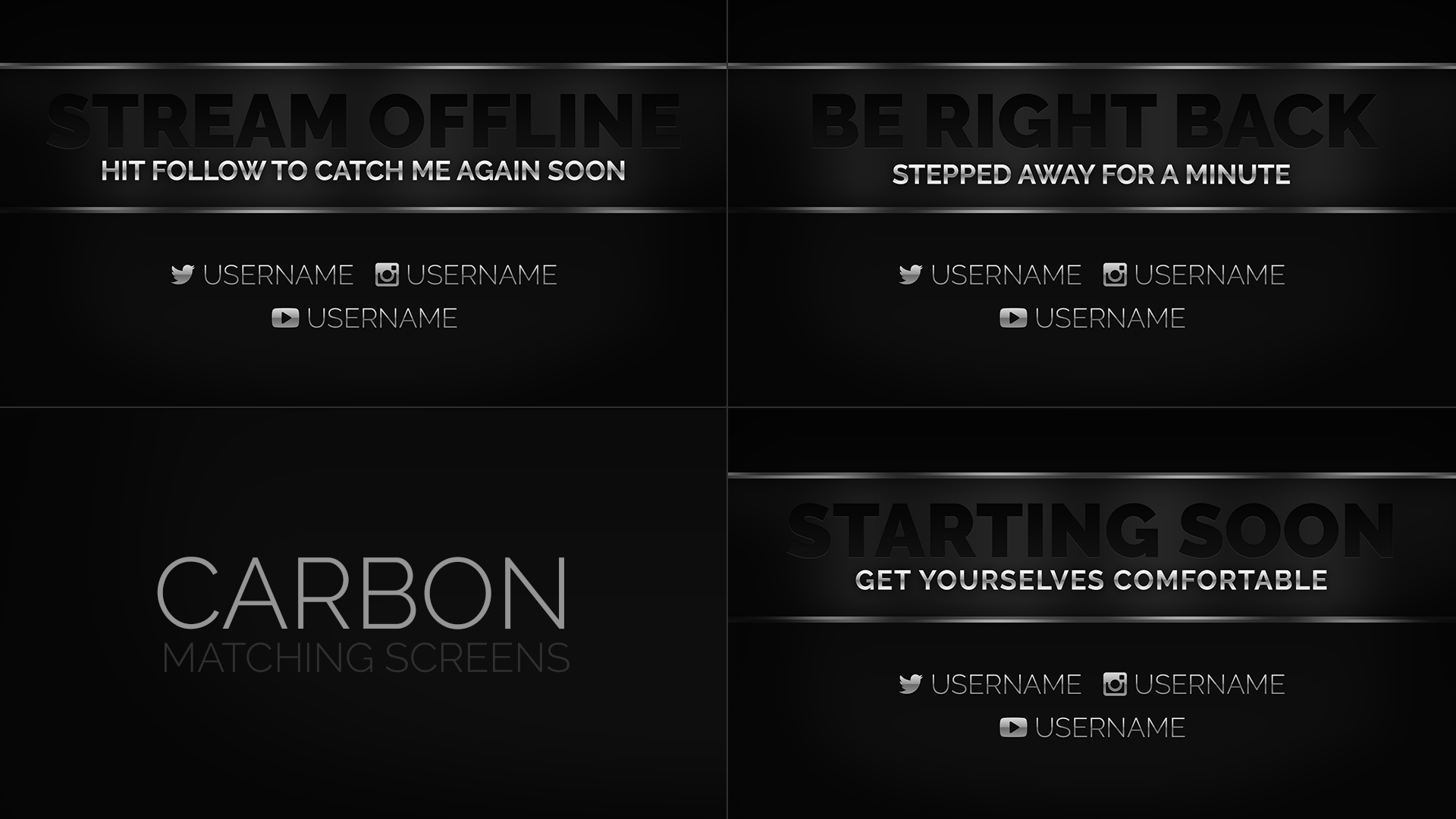
Belonging to the Carbon family of stream designs, these dark, metallic, monochrome screens are perfect for…
View Download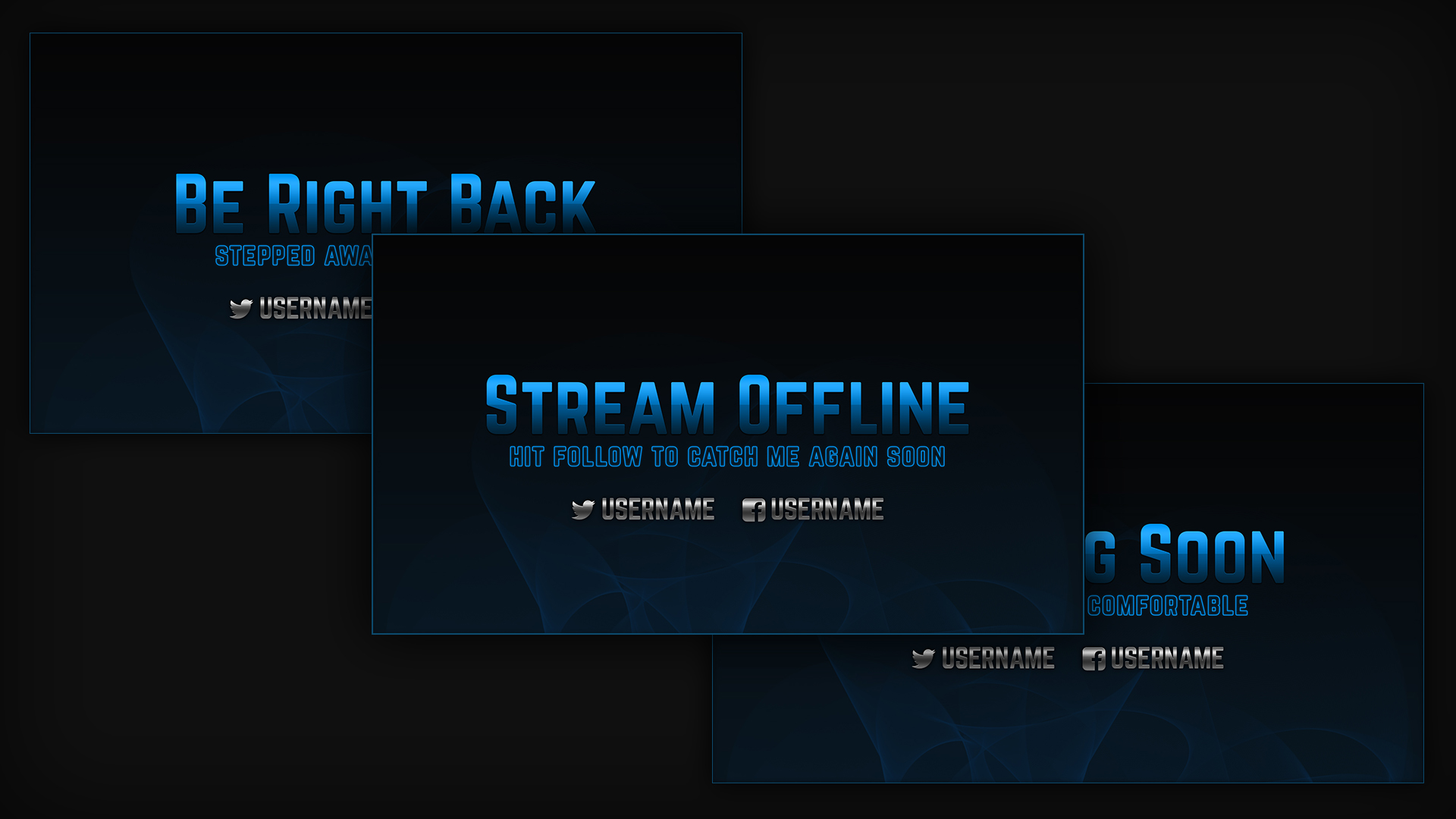
Set of professional, metallic blue stream screens made in the style of our Razor Blue eSports Stream…
View Download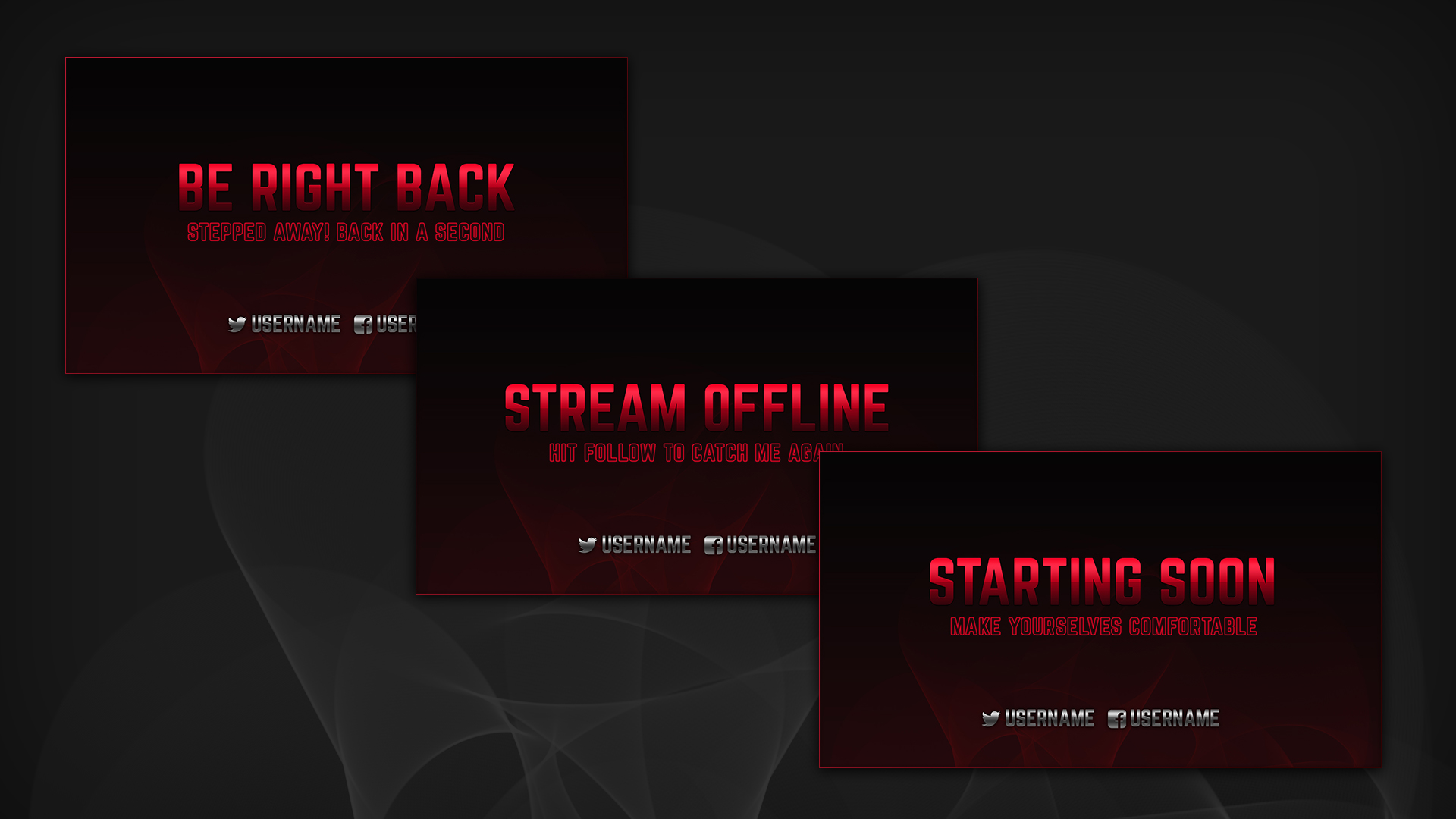
Set of professional, metallic red stream screens made in the style of our Razor Red eSports…
View DownloadThe screens around your live content can make a stream feel calmer and more professional. These downloads are designed for the moments between action: preparing to go live, stepping away, closing the show, or leaving a branded offline message.
Starting soon and be right back screens are usually the most useful because they appear during common live-stream moments.
Yes. Matching screens to an overlay or package helps viewers feel like every scene belongs to one channel identity.