Free Overlays
Free Stream Overlays for OBS & Streamlabs
Browse free stream overlays for OBS and Streamlabs, built as instant downloads for Twitch, YouTube, Kick, and TikTok creators. These layouts help frame gameplay, webcam, and labels without forcing you into a paid package first.




Every design.
One subscription.
All-Access unlocks the whole catalogue, including every new release while you are subscribed. Swap your look as often as you like. Anything you have already downloaded for free stays yours.
scene.value
Why creators start with free stream overlays
Free stream overlays are often the quickest way to stop a live scene from looking unfinished. They give gameplay, camera, and labels clearer boundaries without forcing a new creator into a full paid package before the channel style is settled.
Read more
That makes them especially useful when you are still testing how much framing your stream really needs, or when you want a quick OBS or Streamlabs improvement without overcomplicating things.
setup.logic
Choose a free stream overlay by scene, not by hype
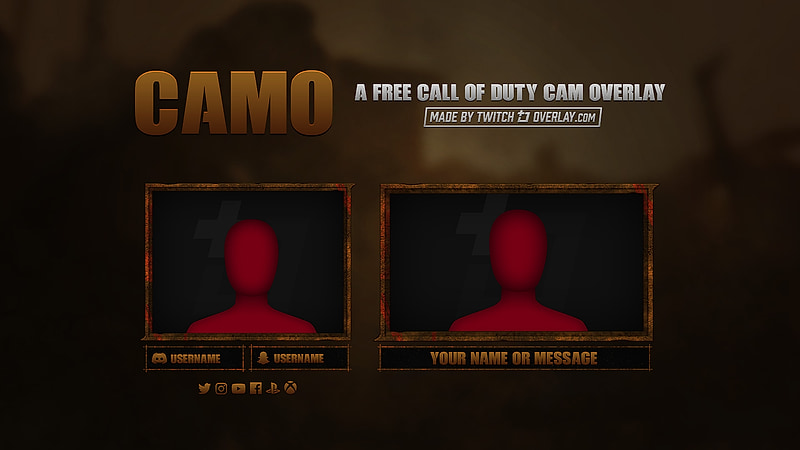
The smartest way to compare free stream overlays is to start with the scene viewers see most. If your stream is gameplay-first, focus on overlays that leave room for action. If your channel is camera-led, pay closer attention to webcam balance and label placement.
Read more
Once you know what type of scene you stream most, it becomes easier to judge whether a free stream overlay actually works for your Twitch, YouTube, Kick, or TikTok stream instead of just looking good in a thumbnail.
Details
How free stream overlays improve a live scene
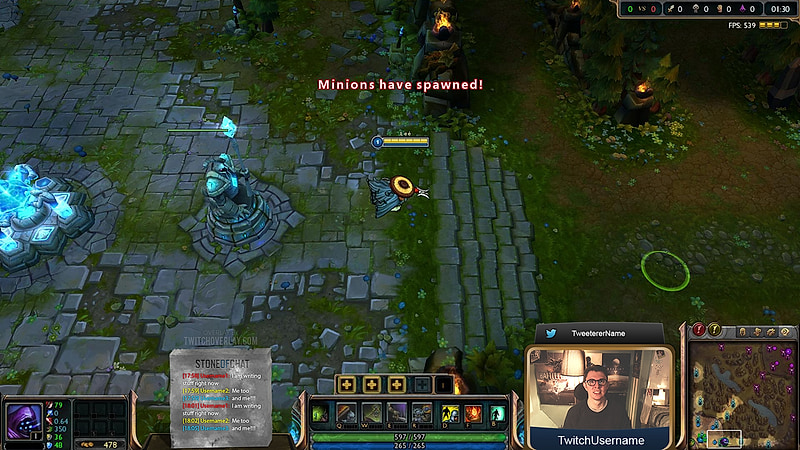
Free stream overlays work best when they add structure without overcrowding the broadcast. The downloads on this page let you test different layouts, styles, and camera placements before committing to a bigger paid package.
Frequently Asked Questions
What should a free stream overlay include?
A good free stream overlay should frame your gameplay and camera clearly while leaving enough room for alerts, labels, and animations.
Do free stream overlays work in OBS and Streamlabs?
Yes. They work with OBS and Streamlabs — each product page shows what files are included and how to use them.
Are free stream overlays only for Twitch?
No. They can also be used for YouTube, Kick, and TikTok livestream workflows if you build your scenes through the same broadcast software.
When should I upgrade from a free stream overlay?
Upgrade when you want more matching scenes, more assets, or a more complete look than a single free overlay can give you.
Start with a free stream overlay, then widen the system
Once one layout direction starts working, you can expand into matching alerts, stream screens, webcam frames, or a full premium package without rebuilding the visual language from scratch.